Best Microphones for Podcasting 2026
The best podcast microphones in 2026 for beginners and pros. USB and XLR options tested for voice clarity, background noise rejection, and ease of use.
Your microphone matters more than any other piece of podcast equipment. A great mic on a mediocre setup sounds better than a mediocre mic on a great setup. I've been podcasting for three years and have used everything from $30 USB mics to $500 broadcast dynamics. Here's what I've learned about which ones actually improve your audio.
Quick comparison
| Microphone | Type | Connection | Pattern | Price |
|---|---|---|---|---|
| Shure SM7dB | Dynamic | XLR | Cardioid | $400 |
| Rode PodMic USB | Dynamic | USB/XLR | Cardioid | $130 |
| Elgato Wave DX | Dynamic | XLR | Cardioid | $100 |
| Audio-Technica AT2020USB-X | Condenser | USB | Cardioid | $130 |
| Samson Q2U | Dynamic | USB/XLR | Cardioid | $70 |
Shure SM7dB
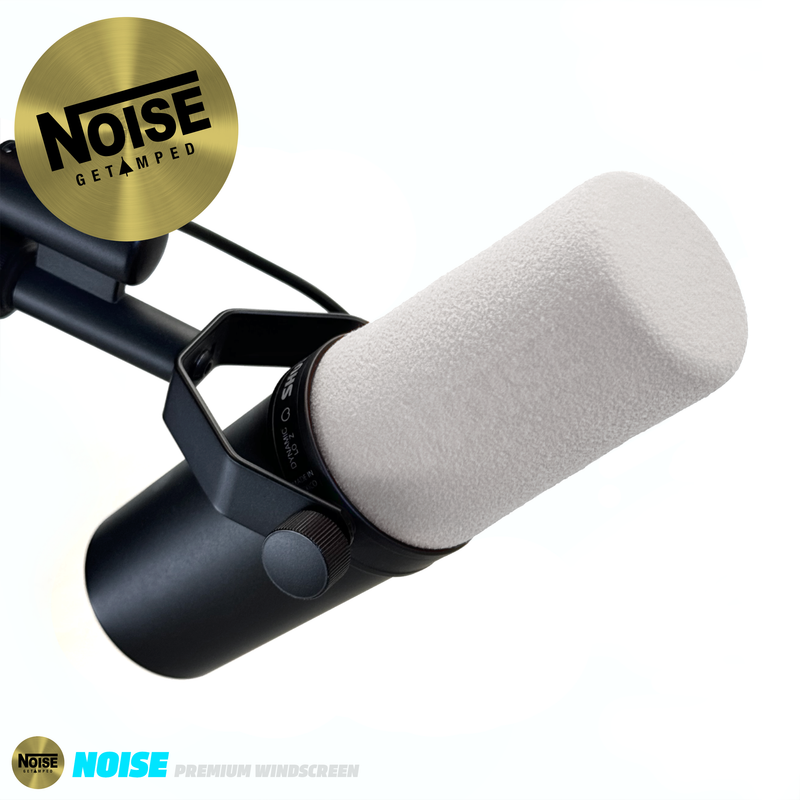
Shure SM7dB
Pros
- The podcast mic — used by every major podcaster for a reason
- Built-in preamp eliminates the need for a CloudLifter
- Exceptional voice reproduction
- Rejects background noise like nothing else
- Built like a tank — will outlast your podcast
Cons
- $400 is serious money
- Still requires an XLR interface
- Heavy — needs a solid boom arm
- Overkill for a hobby podcast
The SM7dB is the updated SM7B with a built-in preamp. This solves the SM7B's biggest complaint: it was so quiet that you needed a separate preamp (CloudLifter, $100) to get usable levels. The SM7dB has a switchable +18dB or +28dB boost built in, so any basic audio interface drives it properly.
Voice quality is the benchmark against which all other podcast mics are measured. Rich, warm low-mids with smooth high-end detail. It makes voices sound like they belong on a professional broadcast. Background noise rejection is outstanding — my mechanical keyboard is barely audible six inches away.
At $400 plus the cost of an interface ($60-150), total investment is $460-550. Worth it if you're serious about podcasting. Not worth it if you record five episodes and quit.
Rode PodMic USB
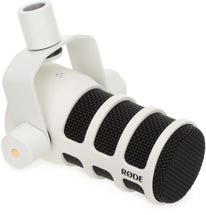
Rode PodMic USB
Pros
- USB and XLR dual connectivity
- Great voice quality for $130
- Built-in headphone monitoring via USB
- Internal pop filter
- Rugged all-metal construction
Cons
- Bass can be boomy if you're too close
- USB audio quality slightly trails XLR connection
- No mute button
- Requires a good boom arm — it's heavy
The PodMic USB is the mic I recommend to anyone starting a podcast. USB means plug it into your laptop and go — no interface needed. When you're ready to upgrade, the XLR output lets you connect to a proper interface without buying a new mic. That growth path alone makes it worth the $130.
Voice quality punches well above its price. Warm, clear, and present — listeners won't know it's a $130 mic. The internal pop filter handles plosives (hard P and B sounds) without an external screen, which keeps your setup clean.
Elgato Wave DX
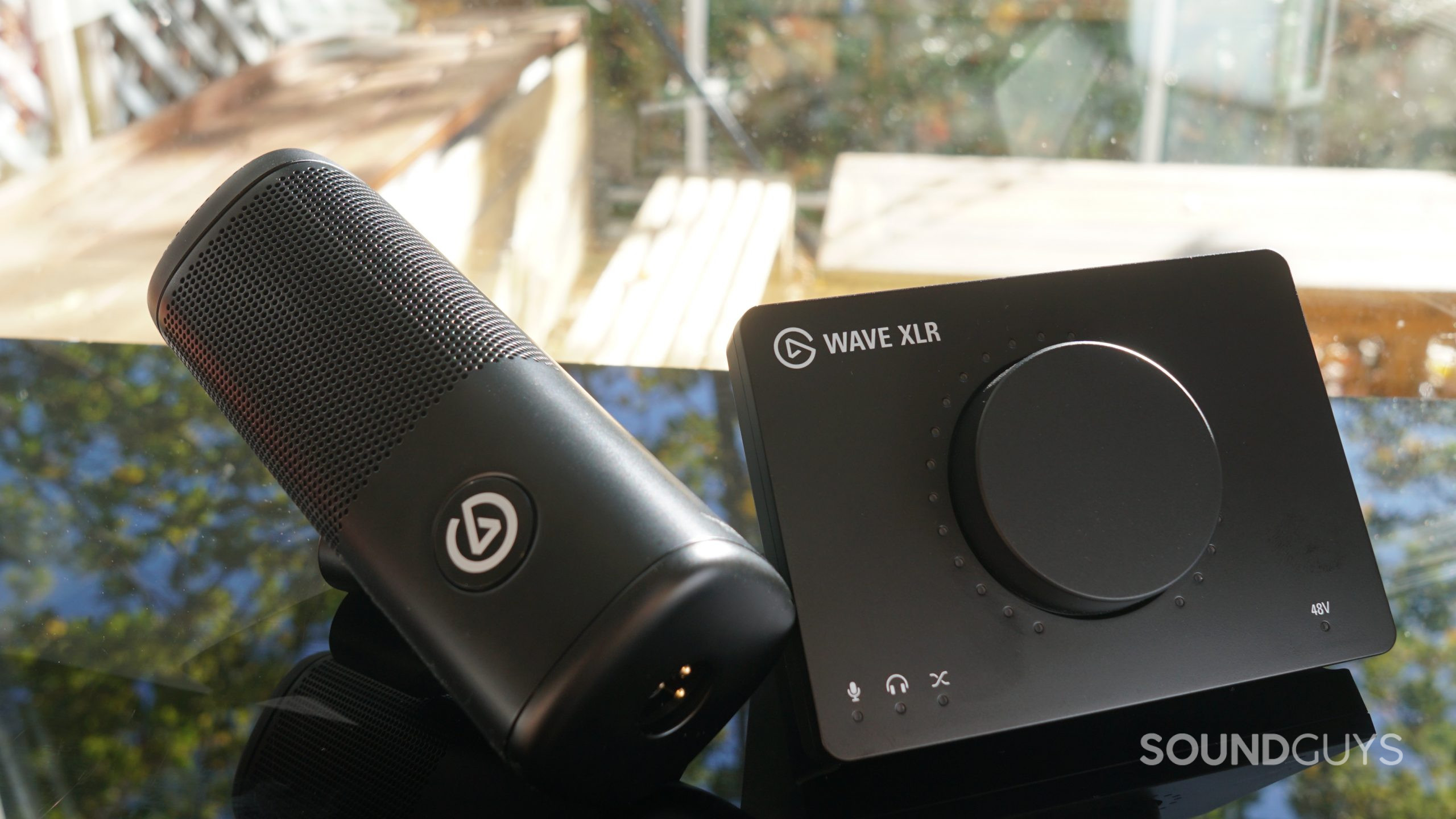
Elgato Wave DX
Pros
- $100 for a quality XLR dynamic mic
- Designed to pair with Elgato Wave XLR interface
- Tight cardioid pattern rejects room noise
- Lightweight — easy on boom arms
- Clean, detailed voice capture
Cons
- XLR only — needs an interface
- Less bass warmth than SM7dB or PodMic
- Lacks the gravitas of heavier dynamic mics
- Elgato ecosystem lock-in for best software features
The Wave DX is Elgato's entry into XLR podcast mics, and it's surprisingly capable at $100. The tight cardioid pattern means it picks up your voice while ignoring most room noise — I recorded in an untreated bedroom and the audio was clean enough for publishing.
It's designed to pair with Elgato's Wave XLR interface ($130), which gives you the Wave Link mixing software for routing audio between apps. Together they're $230 — not much more than the Rode PodMic USB but with more control.
Audio-Technica AT2020USB-X
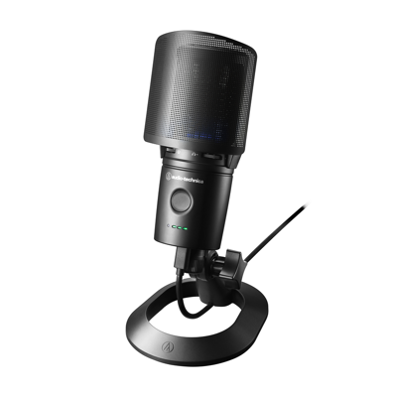
Audio-Technica AT2020USB-X
Pros
- Condenser pickup captures more vocal detail
- Built-in headphone jack with zero-latency monitoring
- Touch-sensitive mute button
- USB-C connection
- AT2020 has been a studio staple for years
Cons
- Condenser picks up more background noise than dynamic
- Needs a quiet room for best results
- More sensitive to plosives — needs a pop filter
- Picks up keyboard and mouse clicks
The AT2020USB-X is a condenser mic, which picks up more detail than the dynamic options on this list. Vocals sound more open and airy — you can hear breathiness and subtle inflections that dynamic mics smooth over. For ASMR, audiobook narration, or podcasts recorded in a quiet, treated room, the extra detail is an advantage.
The flip side: condensers pick up everything. My air conditioning, keyboard clicks, and neighbors' dogs all made appearances in test recordings. If your recording environment isn't quiet, get a dynamic mic instead.
Samson Q2U

Samson Q2U
Pros
- $70 for USB + XLR dual connectivity
- Decent voice quality for the price
- Lightweight and portable
- Includes desktop stand, windscreen, and cables
- Good starter mic that grows with you
Cons
- Audio quality noticeably trails $100+ options
- Thin-sounding compared to Rode or Shure
- Desktop stand is wobbly
- Needs to be very close to your mouth
The Q2U is where most podcasters should start if they're not sure they'll stick with it. At $70, it comes with everything: USB cable, XLR cable, desktop stand, and windscreen. Plug it in via USB, open your recording software, and go.
Audio quality is fine. Not great, not terrible. You need to keep it within 3-4 inches of your mouth for the best sound — further away and it gets thin and roomy. But at $70, it's the cheapest way to start podcasting without sounding like you're recording on a laptop mic.
USB vs XLR: what you need to know
USB — Plug into your computer and go. No extra equipment. Best for beginners and simple setups. Audio quality is good but not as flexible.
XLR — Requires an audio interface ($60-200 extra). More control over gain, EQ, and routing. Better audio quality ceiling. Worth it if you're serious.
Dual (USB + XLR) — Start with USB, upgrade to XLR later without buying a new mic. The Rode PodMic USB and Samson Q2U both offer this.
Room treatment matters more than your mic
A $400 mic in an untreated room with hard walls and echo sounds worse than a $100 mic in a closet with blankets on the walls. Before upgrading your microphone, consider acoustic treatment: a foam panel behind the mic, a carpet on the floor, and curtains on the windows make a bigger difference than any hardware upgrade.
As an Amazon Associate, we earn from qualifying purchases. This doesn't affect our recommendations or editorial independence.