Best Monitors for Programming 2026
The best monitors for coding and software development — from ultrawide productivity beasts to sharp 4K displays perfect for text.
Programming monitors have different requirements than gaming monitors. You need sharp text rendering, comfortable viewing for 8+ hour sessions, and enough screen real estate to show your editor, terminal, browser, and docs simultaneously.
Top Picks
| Monitor | Size | Resolution | Panel | Price |
|---|---|---|---|---|
| LG 40WP95X-W | 40" | 5K2K Ultrawide | IPS | $1,299 |
| Dell U2723QE | 27" | 4K | IPS Black | $449 |
| LG 27UK850-W | 27" | 4K | IPS | $349 |
| Samsung ViewFinity S9 | 27" | 5K | IPS | $899 |
| Dell U3423WE | 34" | 3440x1440 | IPS | $549 |
Best Overall: LG 40WP95X-W
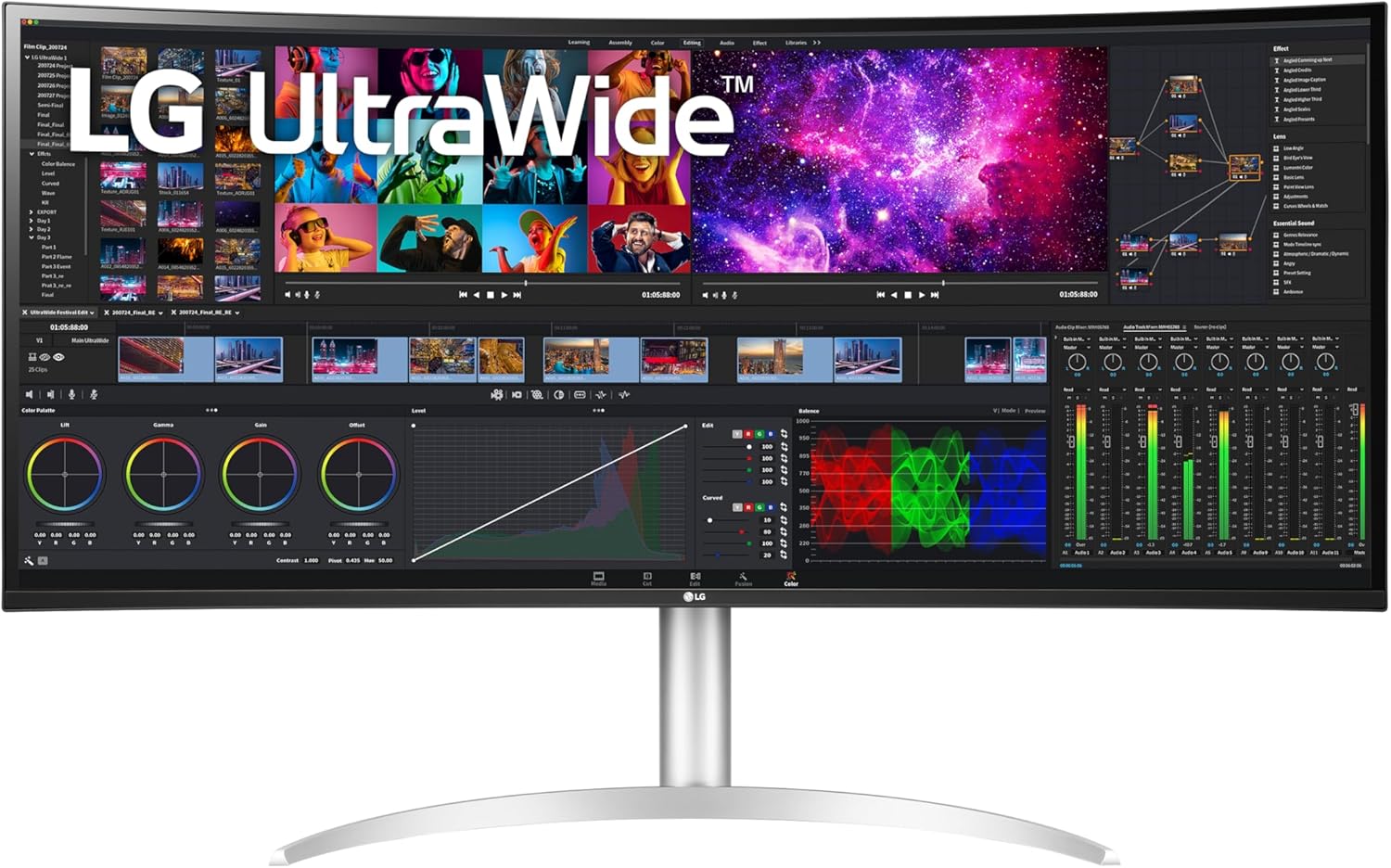
LG 40WP95X-W
Pros
- Massive 5K2K resolution — incredibly sharp text
- 40-inch ultrawide replaces dual monitors
- Thunderbolt 4 with 96W charging
- Excellent color accuracy
Cons
- Expensive
- Large footprint — measure your desk
- Curved screen can distort straight lines
- Heavy
The LG 40WP95X-W is a productivity monster. Its 5120x2160 resolution means text is razor-sharp even at 40 inches, and you get enough space for three full-width code columns side by side. The Thunderbolt 4 connection means one cable for video, data, and laptop charging.
This is the "one monitor to rule them all" for developers. It replaces a dual-monitor setup with no bezels in the middle.
Best Value: Dell U2723QE
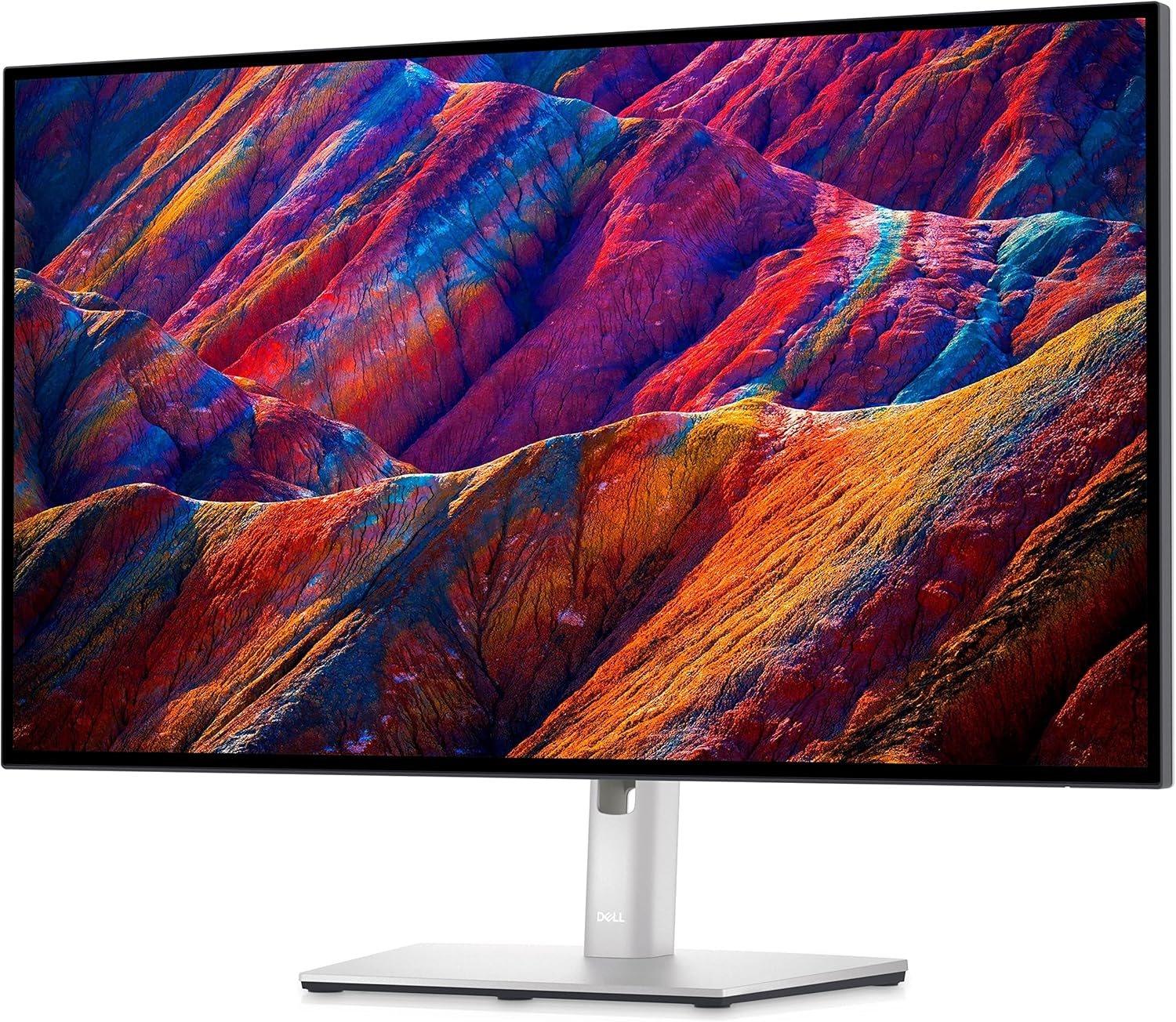
Dell U2723QE
Pros
- IPS Black panel — deeper blacks than standard IPS
- Excellent text clarity at 4K
- USB-C with 90W charging
- Great ergonomic stand
Cons
- 27" may feel small for some
- Not the widest color gamut
- 60Hz only
Dell's UltraSharp line has been the go-to for professional monitors for years, and the U2723QE continues that tradition. The IPS Black panel offers 2000:1 contrast (vs 1000:1 on standard IPS), which makes dark IDE themes look significantly better. At $449 for a 4K USB-C monitor, the value is hard to beat.
Best 5K: Samsung ViewFinity S9
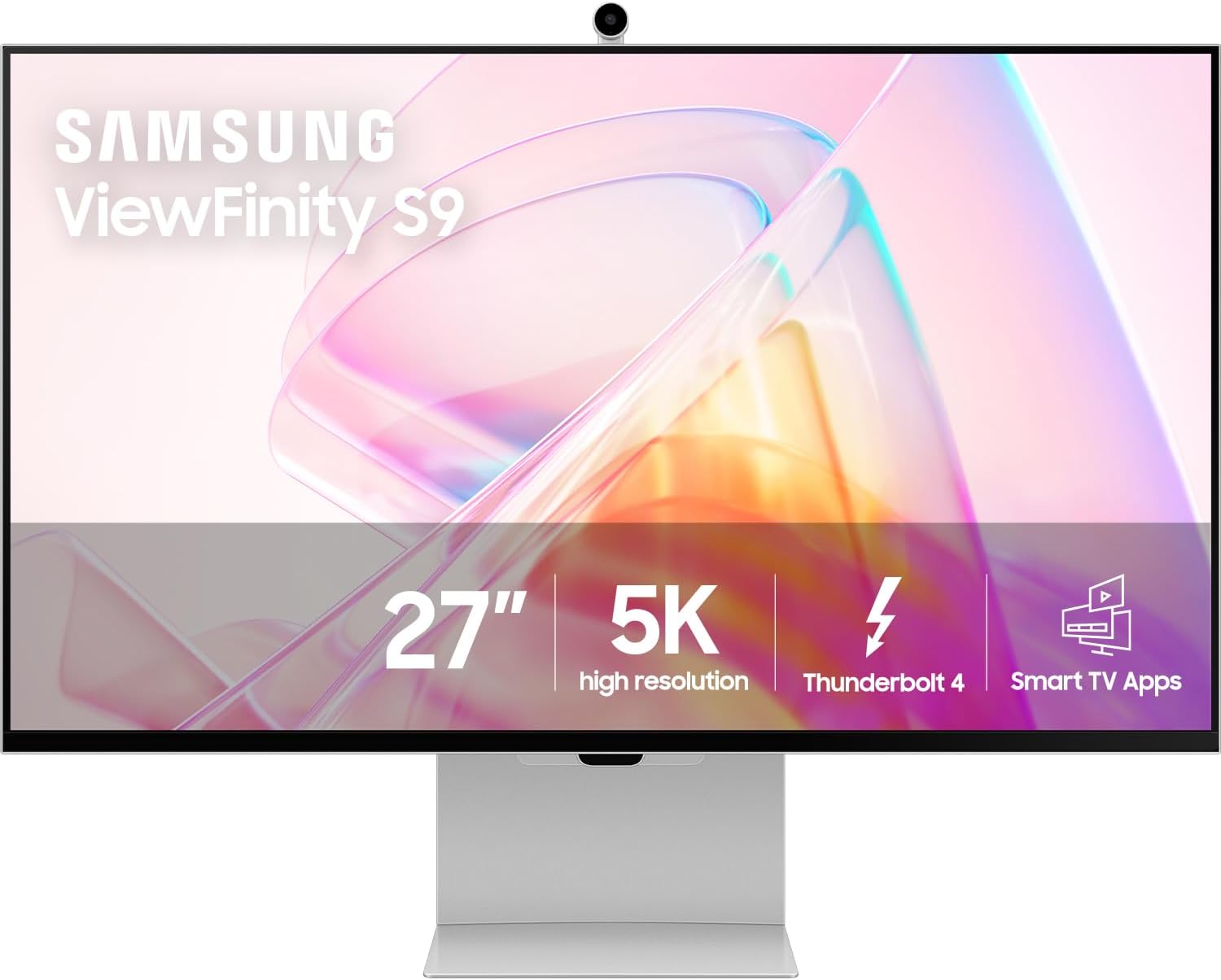
Samsung ViewFinity S9
Pros
- 5K resolution — Apple Studio Display competitor
- Matte coating reduces glare
- Built-in webcam with Windows Hello
- USB-C with 65W charging
Cons
- $899 is steep for a 27" monitor
- Camera quality is mediocre
- Stand wobbles slightly
If you want Apple Studio Display quality on Windows (or Linux), the ViewFinity S9 delivers 5K resolution at 27 inches — the same pixel density Apple uses. Text rendering is noticeably sharper than 4K at this size. The matte coating is a huge plus for offices with windows.
Best Ultrawide: Dell U3423WE
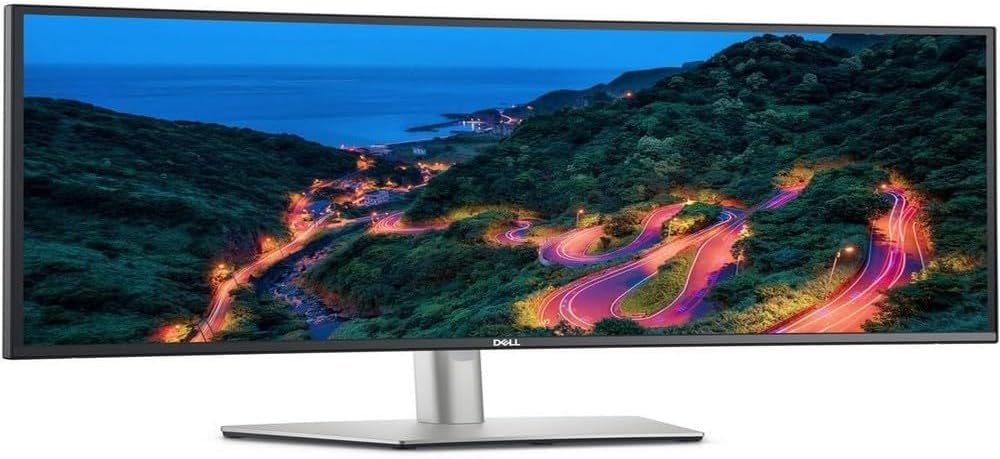
Dell U3423WE
Pros
- 34" ultrawide gives great workspace
- USB-C hub with 90W charging
- IPS with good colors
- Excellent build quality and stand
Cons
- 3440x1440 — not as sharp as 4K at this size
- No HDR
- Premium price for 1440p ultrawide
The 34" ultrawide format is perfect for coding — you can comfortably have your editor on one side and a browser/terminal on the other without any bezel in between. The Dell U3423WE adds a USB-C hub with Ethernet passthrough, making it a great docking station replacement.
What Makes a Good Programming Monitor?
Text Clarity is King
You're staring at text all day. High resolution and good subpixel rendering are non-negotiable. At 27 inches, 4K (3840x2160) gives you ~163 PPI — sharp enough that individual pixels disappear. At 32+ inches, you want 5K or higher.
USB-C Changes Everything
A single cable for video, data, and laptop charging simplifies your desk setup enormously. Look for at least 65W power delivery — 90W+ if you have a power-hungry laptop.
Eye Comfort
- Flicker-free backlight — eliminates fatigue-causing flickering
- Low blue light mode — reduces eye strain during long sessions
- Matte coating — eliminates distracting reflections
- Good brightness range — dim enough for late-night coding, bright enough for daylight
Size & Resolution Guidelines
| Size | Minimum Resolution | PPI | Verdict | |------|-------------------|-----|---------| | 24" | 1920x1200 | 94 | Acceptable | | 27" | 3840x2160 (4K) | 163 | Excellent | | 32" | 3840x2160 (4K) | 140 | Good | | 34" UW | 3440x1440 | 110 | Acceptable | | 40" UW | 5120x2160 | 140 | Excellent |
Dual vs Ultrawide
Dual monitors: More total resolution, can angle screens. But the bezel in the middle is annoying, and managing windows across two displays adds friction.
Ultrawide: Seamless workspace, cleaner desk, one cable. But limited vertical space at 1440p, and some apps don't handle ultrawide layouts well.
Our recommendation: A single high-res ultrawide (5K2K) or a single 4K with a vertical secondary monitor on the side.
The Bottom Line
For most developers, the Dell U2723QE at $449 is the best value — sharp 4K text, USB-C charging, and Dell's reliable build quality. If you want the ultimate programming monitor and have the budget, the LG 40WP95X-W ultrawide is transformative.
As an Amazon Associate, we earn from qualifying purchases. This doesn't affect our recommendations or editorial independence.