Best Laptops for Programming 2026
Top laptops for developers in 2026, from MacBook Pro to ThinkPad to Framework. We compare specs, keyboards, and coding performance.
Picking a laptop for programming is different from picking one for gaming or general use. You need a keyboard you can type on for 8+ hours without your wrists complaining, enough RAM to run Docker alongside your IDE, a screen that won't fry your eyes, and battery life that actually lasts a full workday.
Here's what I'd buy in 2026 for every type of developer.
Our top picks at a glance
| Laptop | CPU | RAM | Display | Price (as tested) |
|---|---|---|---|---|
| MacBook Pro 14-inch M4 Pro | Apple M4 Pro (14-core) | 24GB unified | 14.2-inch 3024x1964 Liquid Retina XDR | $2,399 |
| Lenovo ThinkPad X1 Carbon Gen 14 | Intel Core Ultra 7 265V | 32GB LPDDR5x | 14-inch 2.8K OLED | $1,749 |
| Framework Laptop 16 | AMD Ryzen 9 7945HX | 32GB DDR5 | 16-inch 2560x1600 IPS | $1,599 |
| Dell XPS 16 (2026) | Intel Core Ultra 9 285H | 32GB LPDDR5x | 16.3-inch 3840x2400 OLED | $2,199 |
| MacBook Air 15-inch M4 | Apple M4 (10-core) | 16GB unified | 15.3-inch 2880x1864 Liquid Retina | $1,299 |
Best overall: MacBook Pro 14" M4 Pro
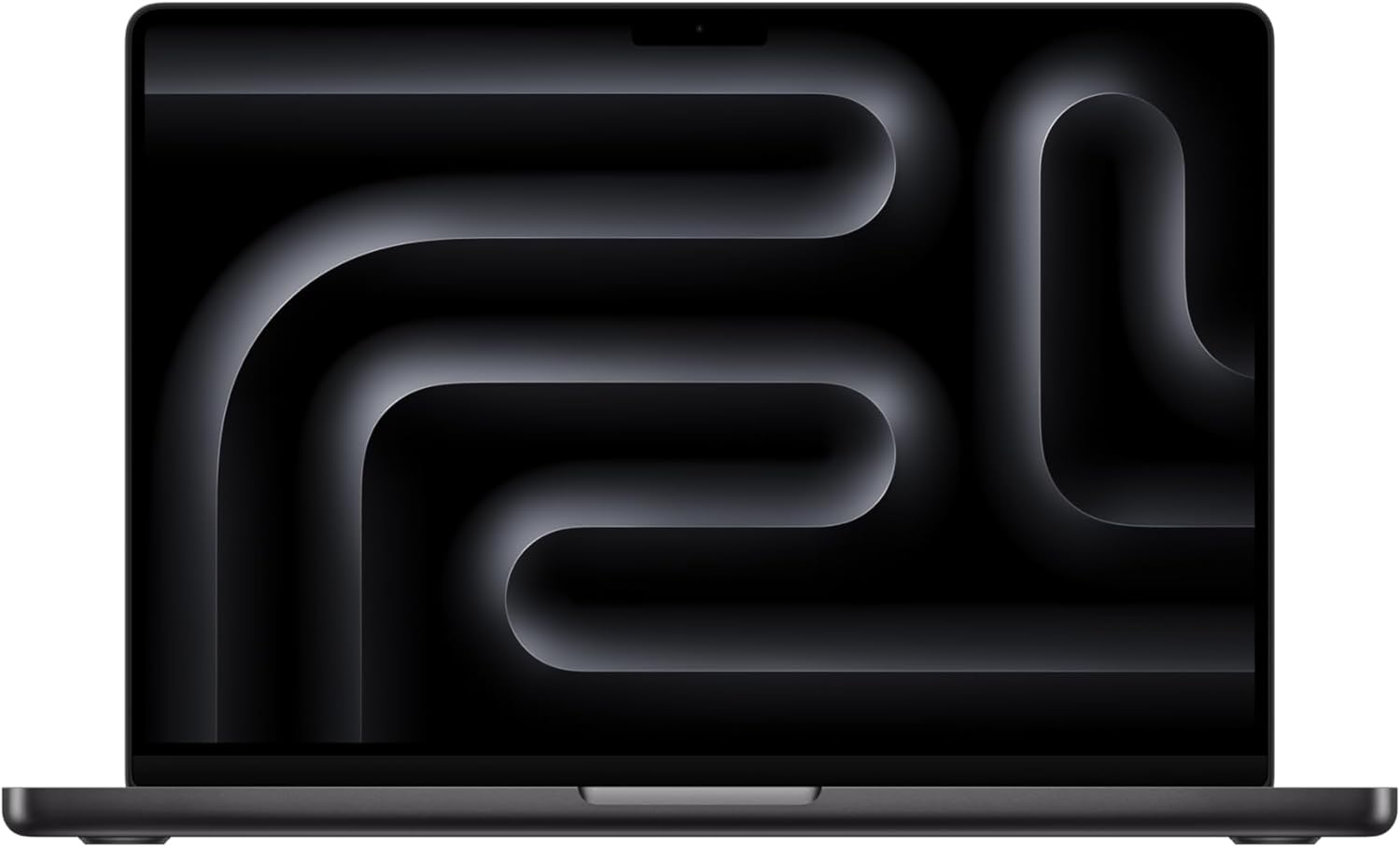
MacBook Pro 14-inch M4 Pro
Pros
- Wild performance-per-watt — compiles fly
- 18-hour real-world battery life
- Best trackpad in the industry
- Silent under most workloads
- macOS + Homebrew is a developer dream
Cons
- $2,399 starting price for the Pro model
- macOS-only (no native Windows)
- 16GB base model is tight for heavy Docker use
- Notch is still there
The M4 Pro MacBook Pro is ridiculous for programming. The 14-core CPU with 24GB of unified memory rips through compilation, containerized workloads, and multi-IDE setups without the fan even spinning up during normal dev work.
Battery life is the real killer feature. You'll get 14-18 hours of actual coding (VS Code, terminal, browser with 30 tabs open). That means leaving the charger at home when you head to a coffee shop.
The Liquid Retina XDR display is sharp and color-accurate, with ProMotion's adaptive 120Hz making code scrolling feel smooth. The keyboard has good travel and satisfying tactile feedback.
For web development, mobile development (especially iOS/Swift), DevOps, and general full-stack work, this is the one to beat.
Who it's for: Developers who want the best overall experience and work primarily in macOS/Unix environments.
Best Linux laptop: Lenovo ThinkPad X1 Carbon Gen 14
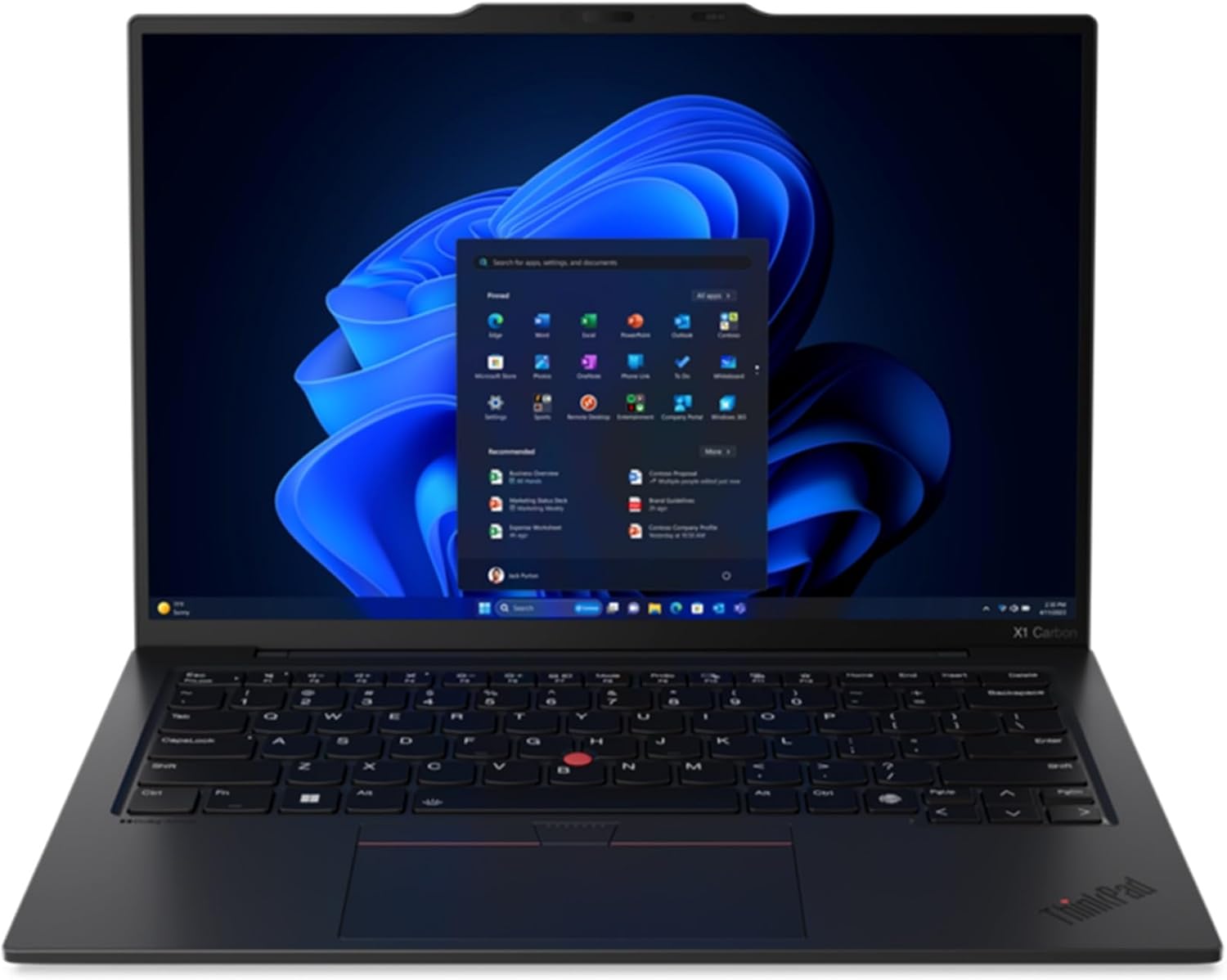
Lenovo ThinkPad X1 Carbon Gen 14
Pros
- Best keyboard in any laptop, period
- Under 2.5 lbs
- 12+ hour battery life
- Perfect Linux compatibility
- Space Frame design improves repairability
Cons
- Intel Core Ultra 7 trails M4 Pro in raw performance
- No discrete GPU option
- 14-inch screen feels small for long coding sessions
- OLED option bumps the price
If keyboard quality is your #1 priority — and for many programmers, it should be — the ThinkPad X1 Carbon is still king. The Gen 14 keeps that legendary ThinkPad keyboard feel with deep key travel and a satisfying click that no other laptop matches. The TrackPoint is still there for the die-hards.
Under 2.5 pounds makes it one of the lightest 14" business laptops around. The Intel Core Ultra 7 265V handles IDEs, containers, and compilation fine, though it won't keep up with the M4 Pro in sustained multi-threaded workloads.
Linux support is flawless — Ubuntu, Fedora, and Arch run perfectly out of the box. Lenovo even sells official Linux configurations, which says something.
The new Space Frame chassis design makes components more accessible for repairs and upgrades, fixing one of the few complaints about previous generations.
Who it's for: Linux developers, sysadmins, and anyone who types all day and cares about keyboard quality above everything else.
Best repairable: Framework Laptop 16
Framework Laptop 16
Pros
- Fully user-upgradeable — RAM, SSD, ports, even GPU
- Modular expansion bay system
- Strong AMD Ryzen 9 performance
- Good Linux support
- You're supporting right-to-repair
Cons
- Build quality doesn't match MacBook/ThinkPad
- Battery life is mediocre (~7 hours coding)
- Heavier than ultrabooks at 5.3 lbs
- Fan noise under load
- 16-inch is large for commuting
The Framework Laptop 16 is the anti-MacBook, and that's the whole point. Every component is user-replaceable: RAM, SSD, WiFi card, battery, keyboard, and even the ports (via swappable expansion cards). Want USB-C on the left today and HDMI on the right tomorrow? Swap the cards.
The AMD Ryzen 9 7945HX is a beast for compilation-heavy workloads, Docker, and local AI/ML development. The optional discrete GPU module means you can add graphics power without buying a whole new laptop.
Battery life is the trade-off — expect around 7 hours of real coding work, well behind the MacBook Pro and ThinkPad. The chassis is functional but lacks the premium feel of those competitors.
If you care about repairability, sustainability, and not being forced to buy a new laptop when one component dies, the Framework is a statement purchase that also happens to be a solid development machine.
Who it's for: Developers who value repairability and customization, tinkerers, Linux enthusiasts, and right-to-repair advocates.
Best display: Dell XPS 16 (2026)
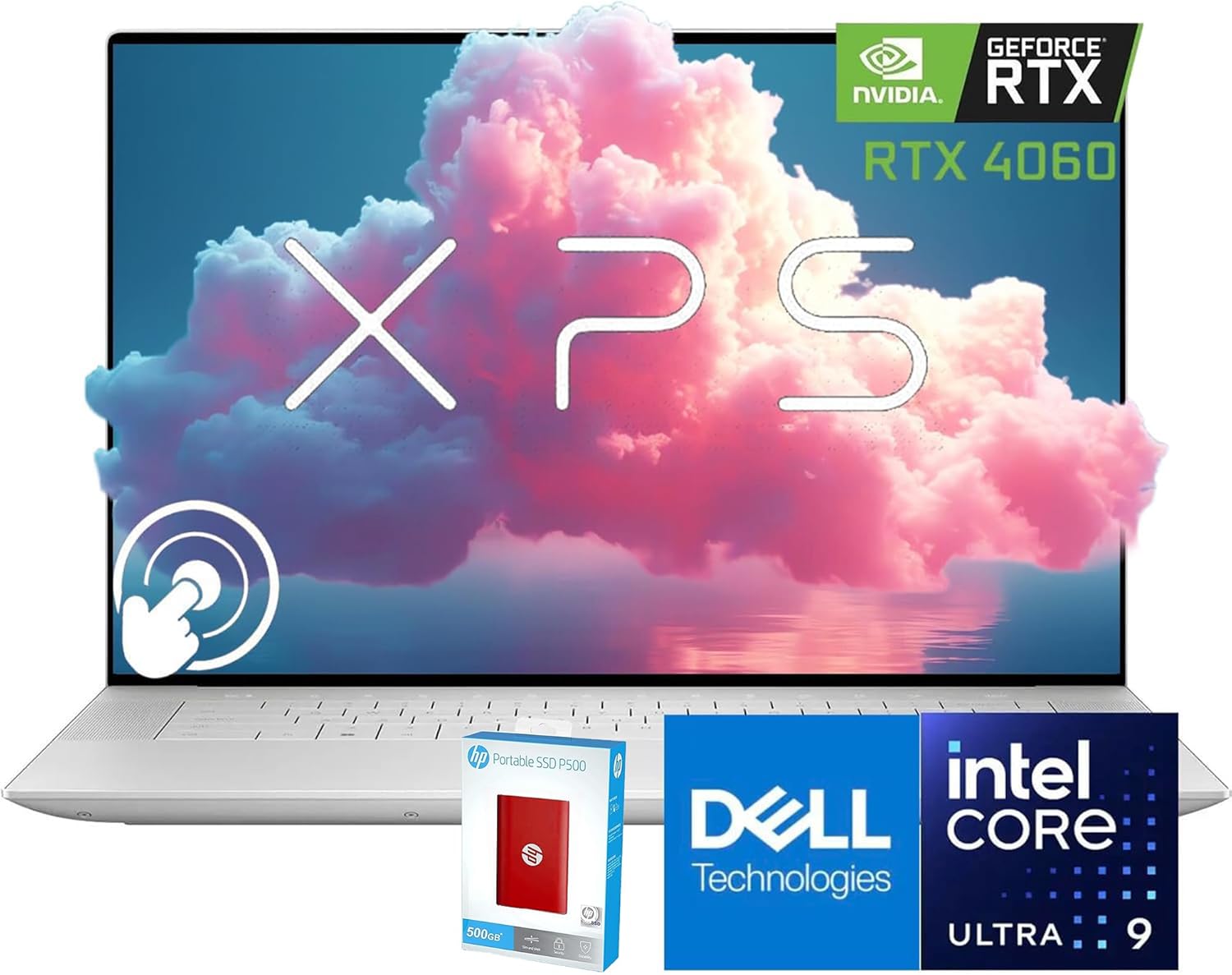
Dell XPS 16 (2026)
Pros
- Gorgeous 4K OLED touchscreen
- Powerful Intel Core Ultra 9
- Edge-to-edge display
- 32GB RAM standard
- Premium build quality
Cons
- Battery life suffers with 4K OLED (~6 hours)
- Haptic touchpad is love-it-or-hate-it
- Function row is a capacitive touch strip
- Runs hot under sustained load
- Expensive
If you spend your days staring at code (and you do), the Dell XPS 16's 3840x2400 OLED panel is a treat. Perfect blacks, infinite contrast, and DCI-P3 color accuracy make everything from dark-mode terminals to design work look great.
The Intel Core Ultra 9 285H delivers strong multi-threaded performance for compilation and containerized workloads. 32GB of LPDDR5x RAM comes standard, which is nice to see at this tier.
Fair warning: the haptic touchpad and capacitive function row are polarizing. Some developers like the clean aesthetic; others hate losing physical function keys. Try it in a store first.
Who it's for: Developers who also do design work or want the best display for long coding sessions.
Best budget: MacBook Air 15" M4
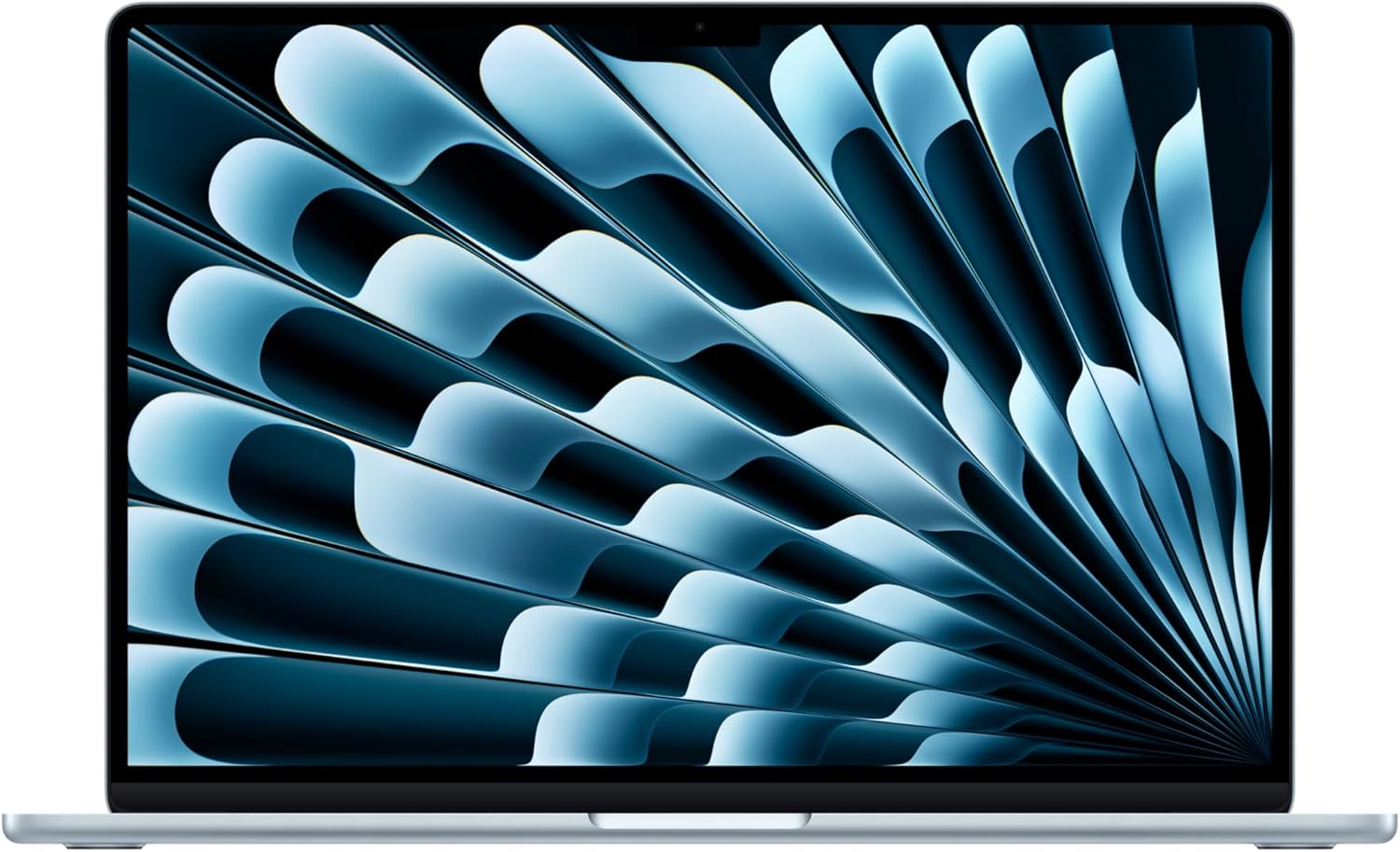
MacBook Air 15-inch M4
Pros
- Incredible value for the performance
- Fanless — completely silent
- 18-hour battery life
- 15.3-inch screen is great for coding
- macOS developer tools ecosystem
Cons
- 16GB RAM base model limits heavy Docker/VM use
- No ProMotion 120Hz display
- Single external display without workarounds
- Not as fast as M4 Pro for sustained workloads
The M4 MacBook Air is the best value in dev laptops, period. At $1,299, you get the M4 chip (handles everyday dev work easily), a 15.3" display with room for code and a browser side-by-side, and battery life that borders on silly.
It's completely fanless, so your coding sessions are dead silent. The M4 chip handles web dev, Python, JavaScript/TypeScript, and even moderate Swift/Xcode workloads without complaint.
The catch: 16GB base RAM. If you're running multiple Docker containers, VMs, or compiling large C++/Rust projects, step up to the 24GB config ($1,499) or go for the MacBook Pro.
Who it's for: Students, junior developers, web developers, and anyone who wants a great coding laptop without spending $2,000+.
What to look for in a programming laptop
RAM: 16GB minimum, 32GB preferred
Modern development means running an IDE, a browser with DevTools, Docker containers, and maybe a database server at the same time. 16GB works for web development; 32GB is the sweet spot for anything heavier.
CPU: multi-core matters
Compilation, container builds, and test suites are multi-threaded workloads. More cores = faster builds. Apple Silicon (M4/M4 Pro) and AMD Ryzen 9 lead here.
Keyboard: you'll be typing all day
This matters more than benchmarks. A bad keyboard slows you down and causes fatigue. ThinkPad keyboards are the gold standard; Apple's recent keyboards are good too.
Display: go high-res
You're reading small text all day. A high-resolution display (at least 1600p) reduces eye strain and lets you fit more code on screen. OLED is a luxury but makes dark mode genuinely easier on the eyes.
Battery: 10+ hours is the target
Nothing kills productivity like hunting for an outlet. The M4 MacBook Air and Pro set the bar here.
The bottom line
For most programmers in 2026, the MacBook Pro 14" M4 Pro is the best you can get — long battery life, silent operation, and raw performance in a premium package. If you want Linux, the ThinkPad X1 Carbon Gen 14 is the clear choice. On a budget, the MacBook Air 15" M4 gives you most of the Pro experience at about half the price.
As an Amazon Associate, we earn from qualifying purchases. This doesn't affect our recommendations or editorial independence.