Best Portable Monitors 2026
The best portable monitors for working on the go, gaming, and extending your laptop screen. We tested USB-C powered displays from 13 to 17 inches.
A portable monitor changed how I work on the road more than any other gadget I've bought in the last two years. Having a second screen at a coffee shop or hotel room makes you measurably more productive — there's actual research on this, but honestly, just try it once and you'll feel the difference.
The portable monitor market has matured. You can get a good one for $150. A great one for $300. And you no longer need to carry a power brick — most run off a single USB-C cable from your laptop.
Quick comparison
| Monitor | Size | Resolution | Panel | Price |
|---|---|---|---|---|
| ASUS ZenScreen OLED MQ16AH | 15.6" | 1080p | OLED | $300 |
| Lenovo ThinkVision M15 | 15.6" | 1080p | IPS | $200 |
| UPERFECT 4K 15.6" | 15.6" | 4K | IPS | $250 |
| Viewsonic VG1655 | 15.6" | 1080p | IPS | $150 |
| ASUS ROG Strix XG17AHPE | 17.3" | 1080p 240Hz | IPS | $400 |
ASUS ZenScreen OLED MQ16AH
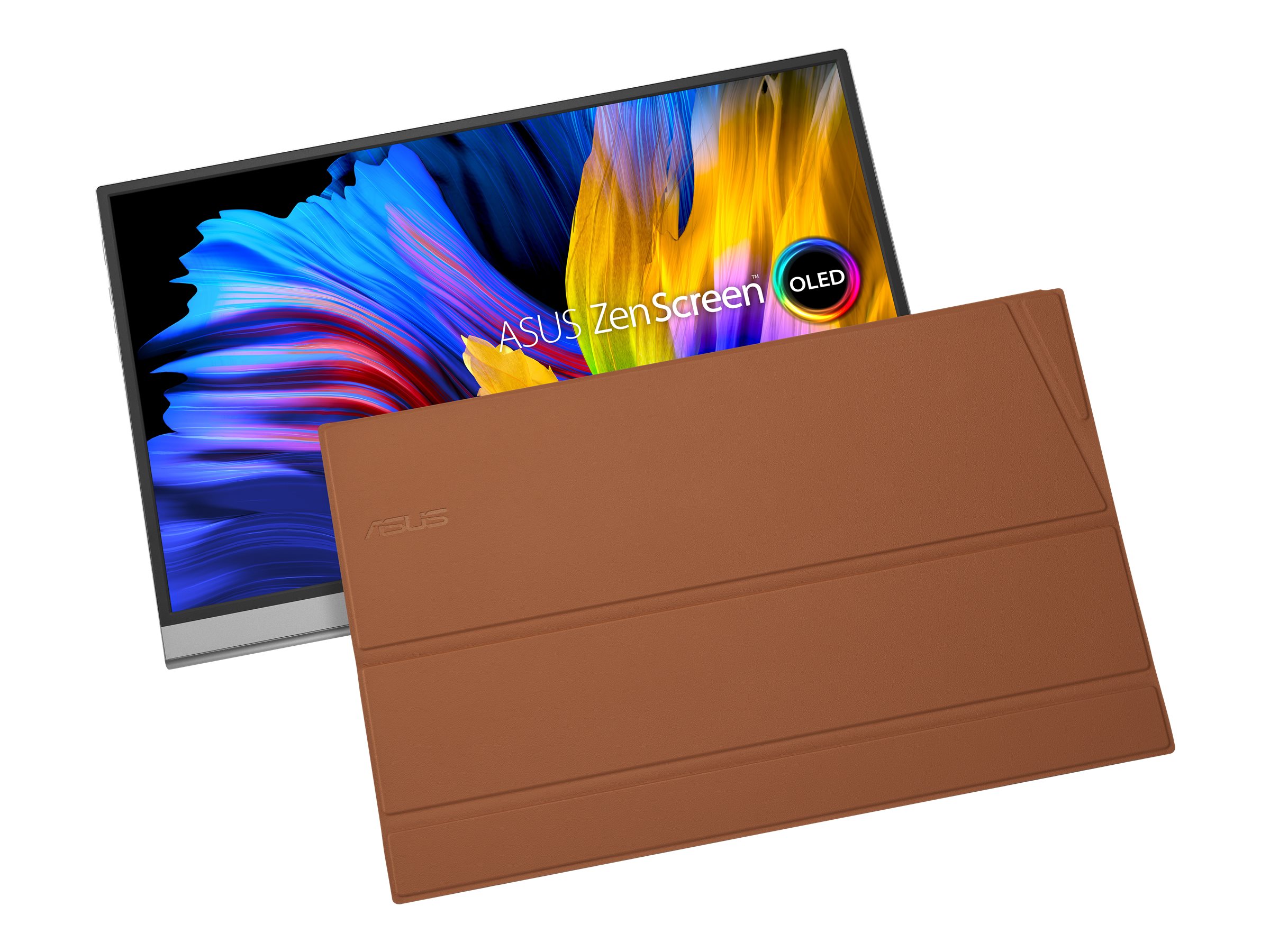
ASUS ZenScreen OLED MQ16AH
Pros
- OLED display with perfect blacks
- DCI-P3 color gamut — great for creative work
- Single USB-C cable for video and power
- Smart cover doubles as a stand
- Built-in speakers that don't sound terrible
Cons
- $300 is premium pricing
- OLED burn-in risk with static elements
- Glossy screen is a nightmare in bright rooms
- Only 1080p resolution
This is the first portable monitor where I genuinely forgot I was looking at a portable display. The OLED panel produces inky blacks and vibrant colors that make everything from code editors (dark mode looks incredible) to photo editing look fantastic. Side by side with my IPS options, the difference is immediately obvious — contrast ratio on OLED is essentially infinite.
At 15.6 inches and 1080p, pixel density is fine for normal working distance. You're not going to see individual pixels unless you press your face against the screen. The included smart cover folds into a stand with two viewing angles, which works well enough though I wish it offered more adjustment.
Single USB-C connection handles both video and power from most modern laptops. My MacBook Air M3 drives it without issue, and battery life impact is roughly 15-20% over a full workday. Some older laptops may need to use both the USB-C and a separate power connection via the included adapter.
The OLED burn-in concern is real if you display the same static image for hours daily. I've been using mine for three months with no visible retention, but your Windows taskbar or macOS dock could theoretically leave marks over time.
Lenovo ThinkVision M15
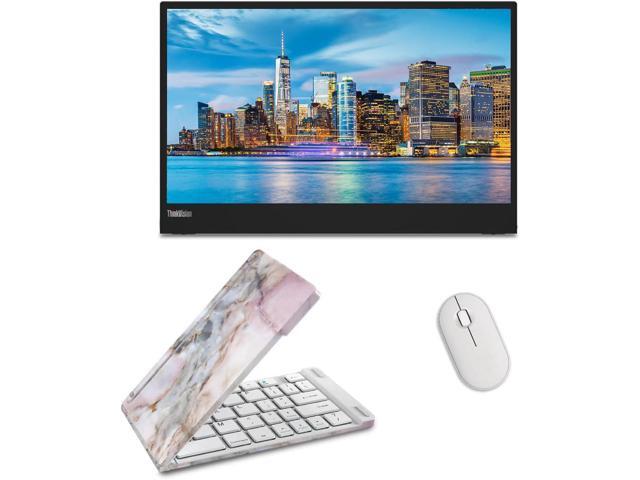
Lenovo ThinkVision M15
Pros
- Thin, light, and well-built
- Two USB-C ports — daisy chain possible
- Tilt-adjustable built-in stand
- Matte display reduces glare
- Business-class reliability
Cons
- Colors are accurate but not vibrant
- No built-in speakers
- Stand wobbles slightly on uneven surfaces
- IPS viewing angles are just okay
Lenovo's ThinkVision M15 is the boring-in-a-good-way pick. It's thin (5.9mm), light (590g), and the matte display means you can actually use it near windows without squinting at reflections. Colors are accurate rather than flashy — sRGB coverage is solid, but it won't wow you with saturation like the ASUS OLED will.
The dual USB-C setup is clever. You can daisy-chain it with compatible laptops, running video through one port and passing power through the other. The built-in kickstand adjusts for tilt, which is more than most portable monitors offer.
No speakers. If that matters to you (it probably doesn't for a work monitor), look elsewhere.
UPERFECT 4K Portable Monitor
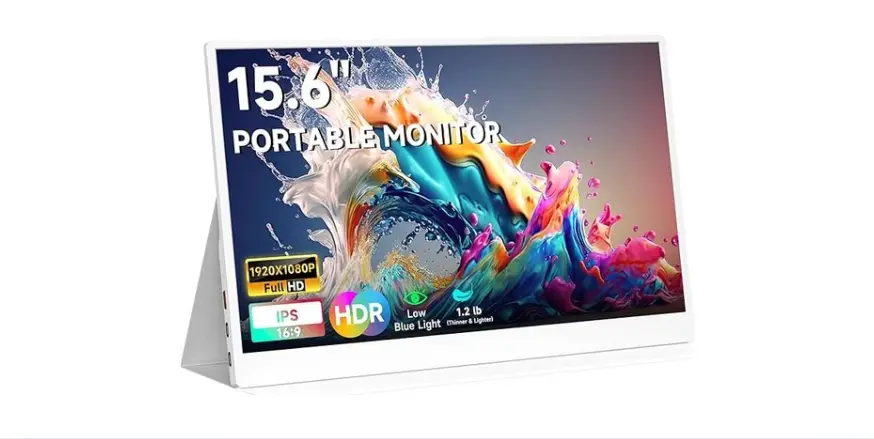
UPERFECT 4K 15.6-inch Portable Monitor
Pros
- 4K resolution at this price is impressive
- Great for photo/video editing on the go
- Mini HDMI input for consoles/cameras
- Decent color accuracy for the price
- VESA mount compatible
Cons
- 4K on 15.6 inches makes everything tiny at native res
- Needs more power than 1080p options
- Color uniformity varies at edges
- Build quality feels budget
If you need 4K resolution in a portable form factor — maybe you're a photographer reviewing shots on location, or a video editor who needs to check details — the UPERFECT 4K delivers real 3840x2160 resolution for $250. That's hard to argue with.
The practical issue: 4K on a 15.6-inch screen means everything is tiny at native resolution. You'll want to run it at 200% scaling, which makes it effectively 1080p in terms of usable space but with sharper text and images. Whether that's worth the extra cost and power draw depends on your workflow.
The Mini HDMI input lets you connect game consoles, cameras, or any HDMI source, making this more versatile than USB-C-only options. Build quality is the weakest on this list — the plastics feel thin and the bezels are wider than the competition. But for the feature set at this price, I'll forgive it.
ViewSonic VG1655
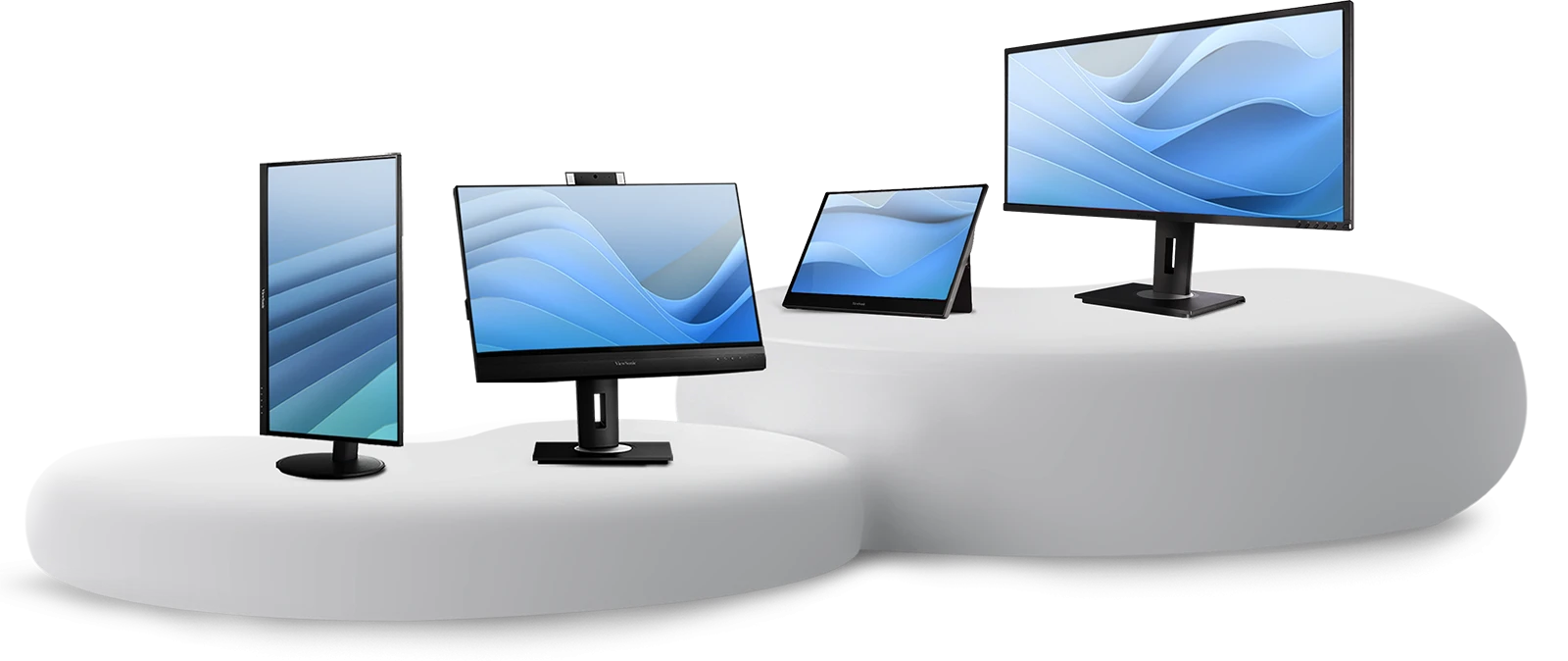
ViewSonic VG1655
Pros
- $150 is the best value here
- Solidly built for the price
- USB-C and mini HDMI inputs
- Decent color accuracy for office work
- Slim and easy to carry
Cons
- 250 nits brightness is dim in sunlit rooms
- 60Hz only
- Colors look washed out next to OLED or better IPS panels
- Stand is flimsy
The ViewSonic VG1655 proves you don't need to spend $300 to get a functional portable monitor. At $150, it does the basics well: 1080p IPS panel, USB-C connectivity, and enough brightness for indoor use. Colors are fine for spreadsheets, documents, and web browsing — just don't try to color-grade photos on it.
The 250-nit brightness is the main limitation. In a well-lit office, it's fine. In direct sunlight or near a window, you'll struggle. The included cover/stand works but doesn't inspire confidence in its longevity.
For the price, this is the best second screen you can add to your laptop bag.
ASUS ROG Strix XG17AHPE
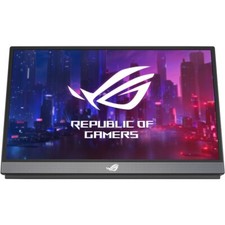
ASUS ROG Strix XG17AHPE
Pros
- 240Hz refresh rate for competitive gaming
- 17.3-inch screen is big for portable
- Built-in 7,800mAh battery — use without laptop power
- Adaptive-Sync support
- ROG Tripod stand is actually stable
Cons
- $400 is expensive
- Heavy at 1,060g with battery
- Only 1080p at this size means visible pixels
- Overkill for non-gaming use
This is the gaming pick. 240Hz on a portable monitor is absurd in the best way — plug your laptop into this at a LAN party or hotel room and you get a smooth gaming experience that most desktop monitors can't match. Adaptive-Sync eliminates tearing, and the 3ms response time keeps motion clear.
The built-in battery is the hidden feature. You can use this monitor for 3-4 hours without drawing power from your laptop, which means your laptop battery lasts longer. Or use it standalone with a Nintendo Switch for a big-screen portable gaming setup.
At 17.3 inches and 1,060g, it's the largest and heaviest option here. This isn't something you casually toss in your bag. But if gaming on the go is your thing, nothing else competes at this refresh rate.
What to consider
USB-C compatibility — Make sure your laptop supports DisplayPort Alt Mode over USB-C. Not all USB-C ports carry video. Thunderbolt ports always work.
Power draw — Portable monitors draw 5-15W from your laptop. Budget an extra hour or two of battery drain per day.
Glossy vs matte — Glossy screens look better in controlled lighting. Matte screens work better in variable environments. For travel, matte wins.
Built-in battery — Only the ASUS ROG has one. For everyone else, the monitor dies when your laptop does.
What I'd pick
The ASUS ZenScreen OLED at $300 if you want the best image quality. The Lenovo ThinkVision M15 at $200 if you want reliable, no-fuss productivity. The ViewSonic VG1655 at $150 if budget is tight. Each one genuinely earned its spot.
As an Amazon Associate, we earn from qualifying purchases. This doesn't affect our recommendations or editorial independence.