Best Budget PC Builds 2026
Complete PC build guides for every budget — from $500 starter builds to $1,500 powerhouses. Parts lists, benchmarks, and build tips.
Building your own PC is still the best way to squeeze the most performance out of your money. I've put together three complete builds at different price points, all using current-gen parts that make sense in early 2026.
Build comparison
| Component | $500 Starter | $1,000 Sweet Spot | $1,500 Powerhouse |
|---|---|---|---|
| CPU | AMD Ryzen 5 7500F | AMD Ryzen 7 7700X | AMD Ryzen 7 9700X |
| GPU | RTX 4060 | RTX 5070 | RTX 5080 |
| RAM | 16GB DDR5-5600 | 32GB DDR5-6000 | 32GB DDR5-6400 |
| Storage | 500GB NVMe SSD | 1TB NVMe SSD | 2TB NVMe SSD |
| Motherboard | B650M | B650 | X670E |
| PSU | 550W 80+ Bronze | 750W 80+ Gold | 850W 80+ Gold |
| Case | Thermaltake S100 | Fractal Pop Air | Fractal North |
| Target | 1080p 60+ FPS | 1440p 100+ FPS | 4K 60+ / 1440p 144+ FPS |
The $500 starter build
This build handles 1080p gaming at 60+ FPS in every modern game and 100+ FPS in esports titles. It also works fine as a productivity machine.
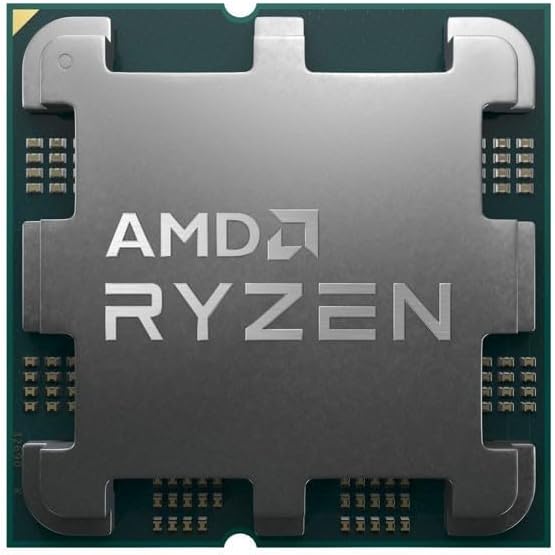
AMD Ryzen 5 7500F
Pros
- Strong single-thread performance
- Low power consumption
- Included cooler is adequate
- AM5 platform for future upgrades
Cons
- No integrated graphics
- 6 cores may limit longevity
- Boxed cooler is loud under load
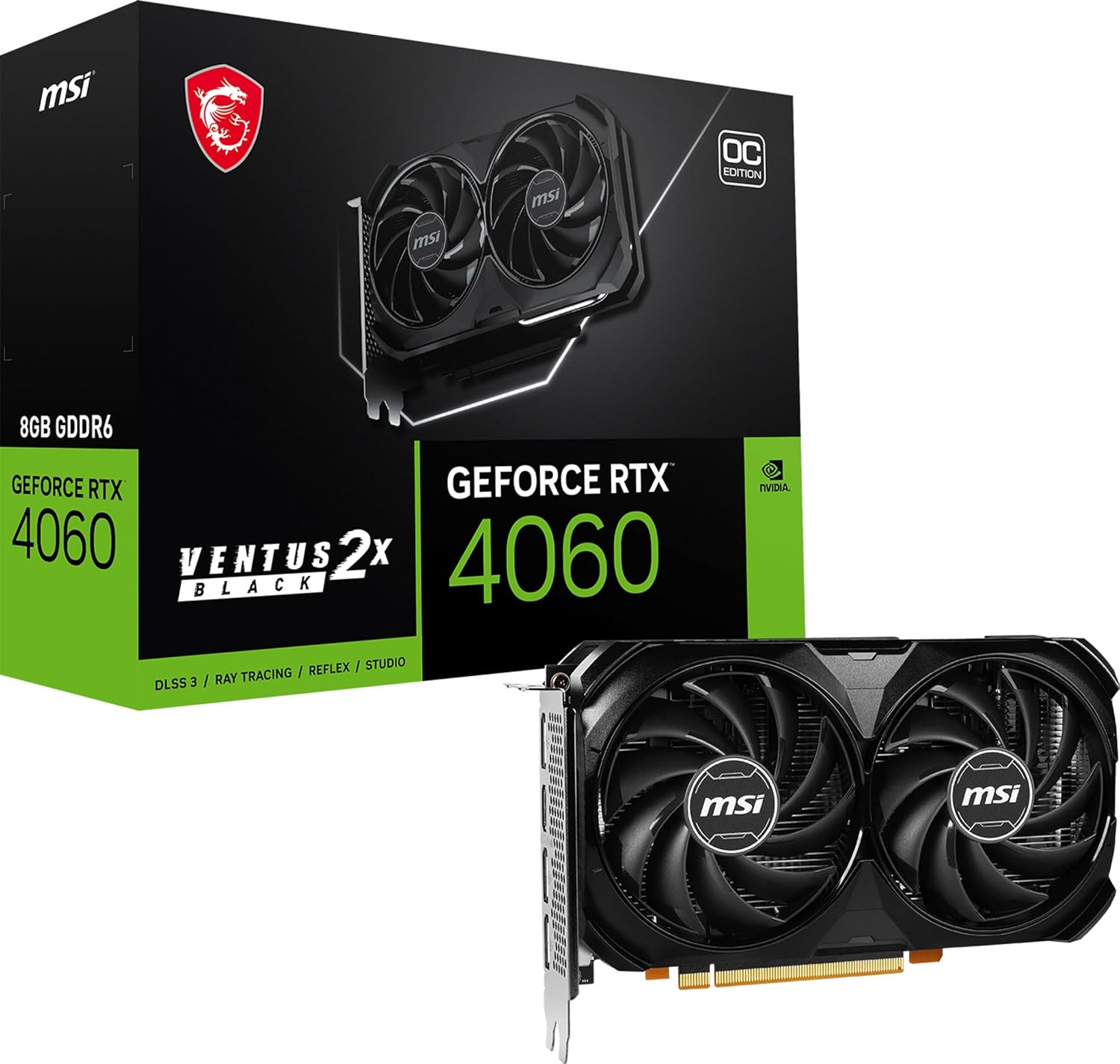
NVIDIA GeForce RTX 4060
Pros
- Solid 1080p performance
- DLSS 3 support
- Low 115W TDP
- Runs cool and quiet
Cons
- 8GB VRAM is limiting
- Not great for 1440p
- Last-gen architecture
$500 build tips
- Don't skip the SSD — even a 500GB NVMe is worlds better than an HDD
- The stock cooler works — save money here and upgrade later if needed
- Budget cases are fine — airflow matters more than looks
- Buy Windows from Microsoft directly — avoid sketchy key resellers
The $1,000 sweet spot build
This is the build I recommend to most people. It handles 1440p gaming without breaking a sweat and works well for content creation, streaming, and general productivity.
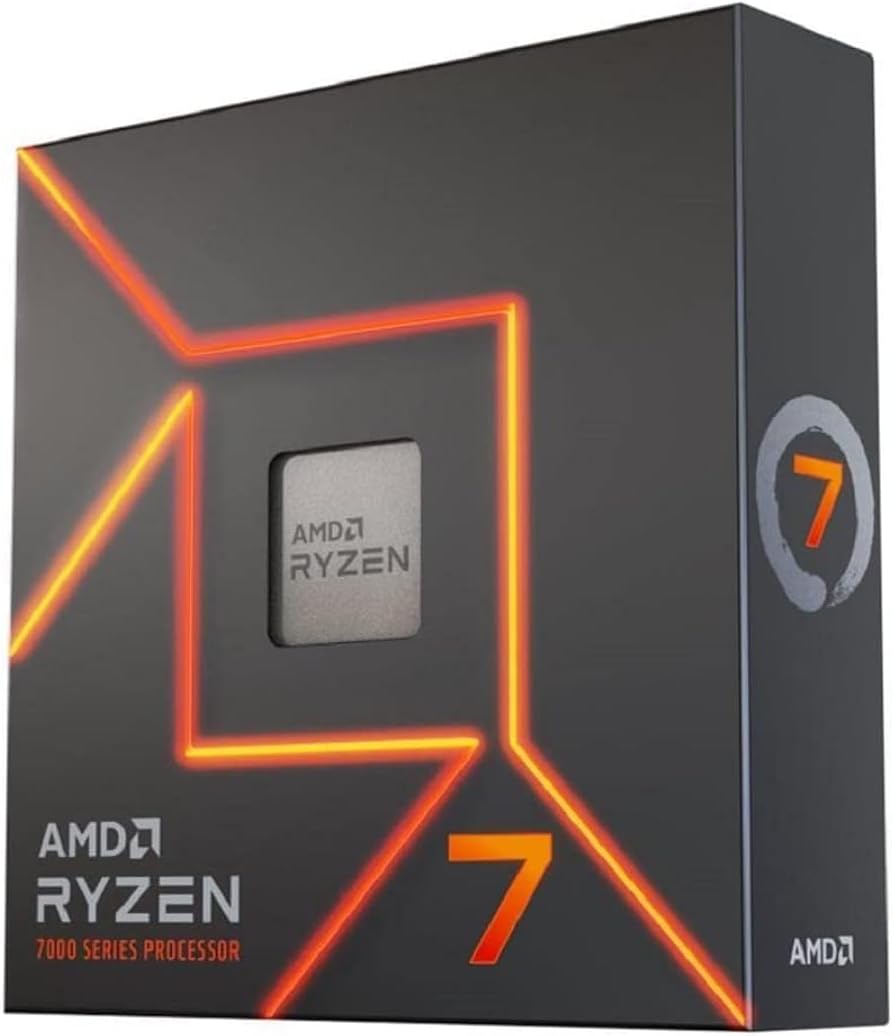
AMD Ryzen 7 7700X
Pros
- 8 cores/16 threads
- Strong gaming performance
- Good for streaming + gaming
- Reasonable power consumption
Cons
- Runs hot without good cooling
- No included cooler
- Ryzen 9000 is out (but pricier)
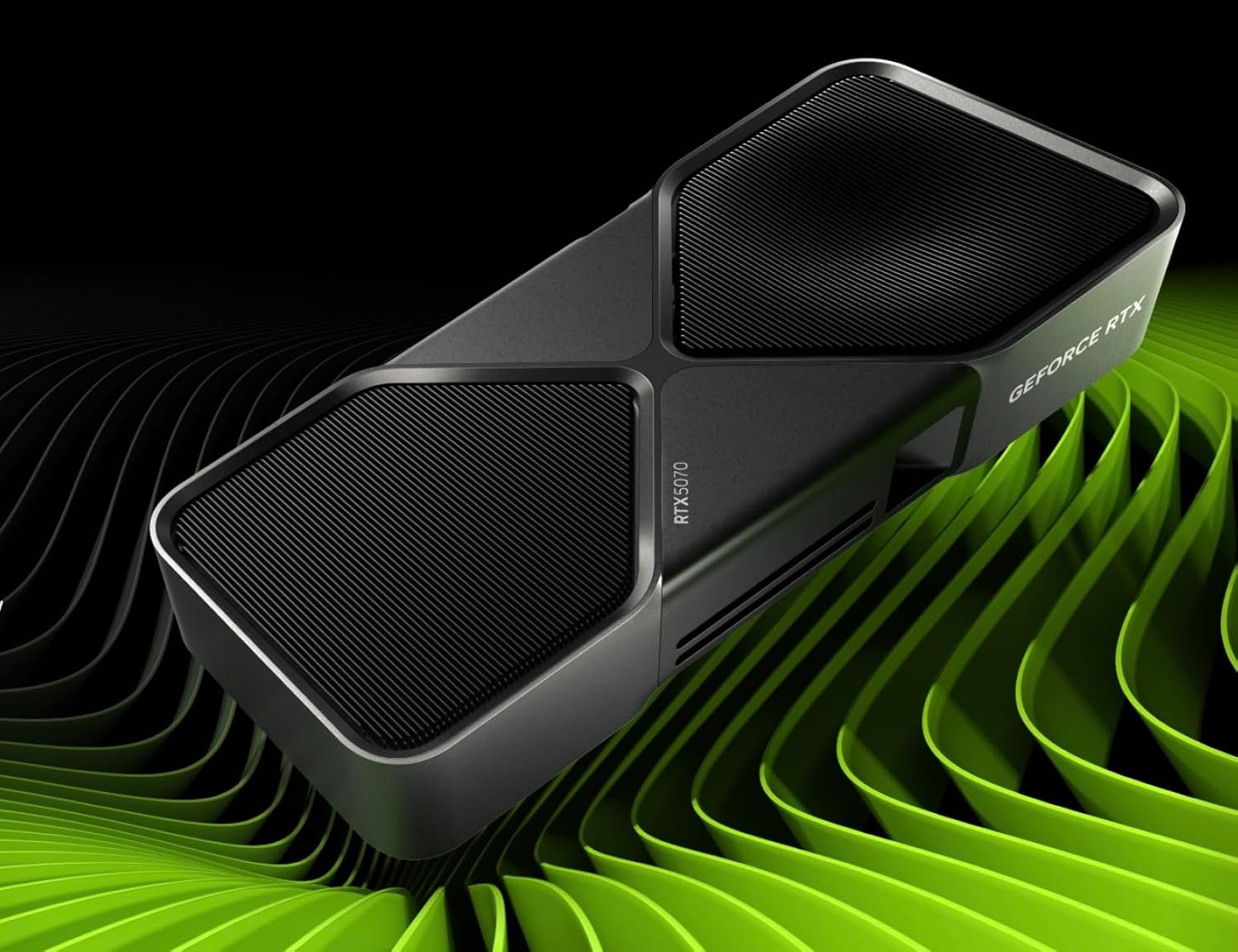
NVIDIA GeForce RTX 5070
Pros
- Outstanding 1440p performance
- DLSS 4 support
- 12GB GDDR7
- Efficient Blackwell architecture
Cons
- Can be hard to find at MSRP
- 12GB may limit some future titles
- Previous-gen 4070 Ti offers similar performance
$1,000 build tips
- Spend on the GPU — this is where your gaming performance comes from
- Get a good PSU — 750W 80+ Gold gives headroom for future upgrades
- 32GB RAM is the new baseline — games are using more, and multitasking benefits
- Add a tower cooler — $30-40 for a Thermalright Peerless Assassin is money well spent
The $1,500 powerhouse build
For enthusiasts who want premium performance without going full flagship. This build handles 4K gaming, heavy content creation, and should stay relevant for years.
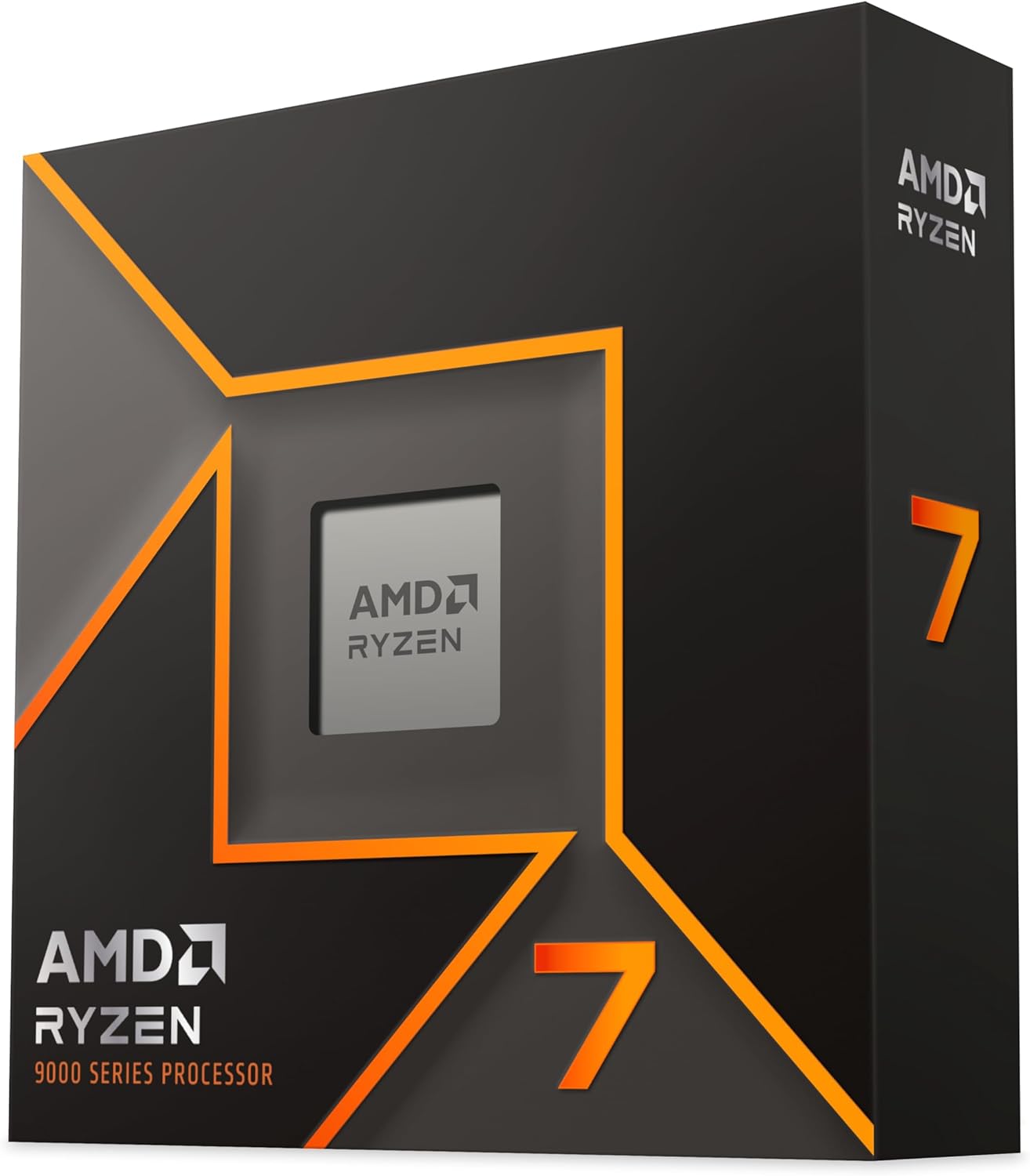
AMD Ryzen 7 9700X
Pros
- Zen 5 architecture, fastest per-core
- 8 cores/16 threads
- Lower power than previous gen
- AM5 longevity
Cons
- Marginal gaming gains over 7700X
- Pricier than Intel alternatives
- No included cooler
NVIDIA GeForce RTX 5080
Pros
- Excellent 4K gaming
- 16GB GDDR7
- DLSS 4 with Multi Frame Gen
- Handles any game maxed out
Cons
- $999 is still a lot
- 360W TDP
- Availability issues
General build tips
- Watch for sales — PC parts go on sale constantly. Check r/buildapcsales
- Don't cheap out on the PSU — a bad PSU can fry everything. Stick to reputable brands (Corsair, Seasonic, be quiet!)
- Cable management matters — not for looks, but for airflow
- Install drivers after building — GPU drivers, chipset drivers, then Windows Update
- Monitor your temps — download HWMonitor and check that nothing runs too hot
The bottom line
The $1,000 sweet spot build is what I'd point most people toward. It hits a good balance between performance and cost, and it'll last. The $500 build gets you into PC gaming without emptying your wallet, and the $1,500 build is for the "max everything out" crowd.
As an Amazon Associate, we earn from qualifying purchases. This doesn't affect our recommendations or editorial independence.