Best E-Readers 2026
The best e-readers for book lovers in 2026. We compared Kindle, Kobo, and BOOX devices to find the best screens, features, and value for every reader.
I read about 40 books a year, and I've tried every major e-reader in the process. The technology has gotten remarkably good — modern e-ink screens refresh fast enough for page turns to feel instant, frontlighting is even and adjustable, and battery life is measured in weeks. The question isn't whether to get an e-reader; it's which ecosystem to buy into.
Quick comparison
| E-Reader | Screen | Storage | Waterproof | Price |
|---|---|---|---|---|
| Kindle Paperwhite Signature | 7" 300ppi | 32GB | IPX8 | $190 |
| Kobo Clara Colour | 6" 300ppi color | 16GB | IPX8 | $150 |
| Kindle Scribe 2 | 10.2" 300ppi | 32-64GB | No | $340 |
| BOOX Page 2 | 7" 300ppi | 32GB | No | $180 |
| Kobo Libra Colour | 7" 300ppi color | 32GB | IPX8 | $220 |
Kindle Paperwhite Signature Edition
Kindle Paperwhite Signature Edition
Pros
- Best reading experience in the Kindle lineup
- Auto-adjusting warm frontlight
- Wireless charging
- 32GB storage holds thousands of books
- Weeks of battery life
Cons
- Locked to Amazon's Kindle ecosystem
- No audiobook speaker — Bluetooth only
- Ads on cheaper models are annoying
- No color display
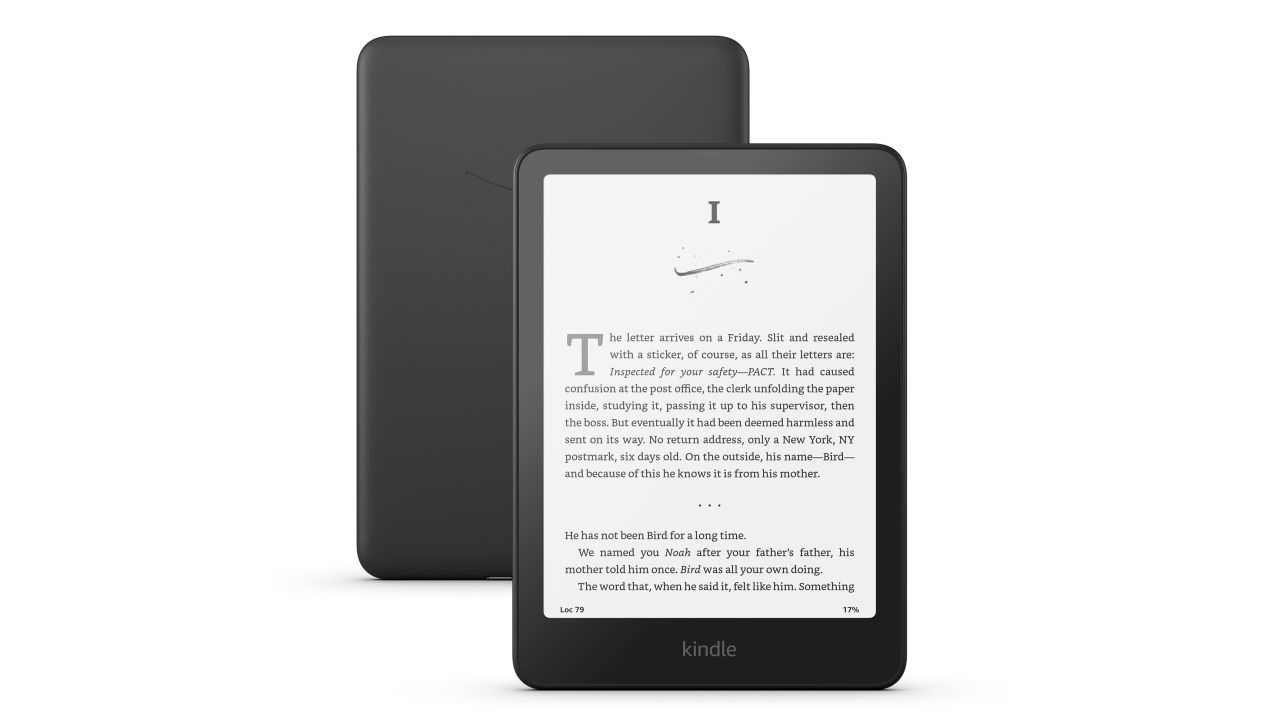
The Paperwhite Signature is the e-reader I use daily. The 7-inch 300ppi display is razor-sharp, the auto-adjusting frontlight eliminates constant brightness fiddling, and wireless charging means I drop it on a pad overnight and never think about battery. Speaking of battery — I charge it about once every three weeks with daily reading.
The reading experience is where Kindle nails it. Page turns are near-instant, the typography is clean, and features like X-Ray (which explains characters and terms) and Vocabulary Builder make reading more interactive. The Kindle store has the widest ebook selection of any platform.
The downside is lock-in. Your Kindle books live in Amazon's ecosystem. You can't easily move them to a Kobo or any other reader. If you're comfortable with that — and most people are — the reading experience is the best available.
Kobo Clara Colour
Kobo Clara Colour
Pros
- Color e-ink display for book covers and comics
- OverDrive integration for free library books
- Open ecosystem — sideload ePub files easily
- IPX8 waterproof
- $150 is great value for color e-ink
Cons
- Color looks muted compared to a tablet
- 6-inch screen is small for comics
- Slower page turns than Kindle
- Smaller ebook store than Amazon
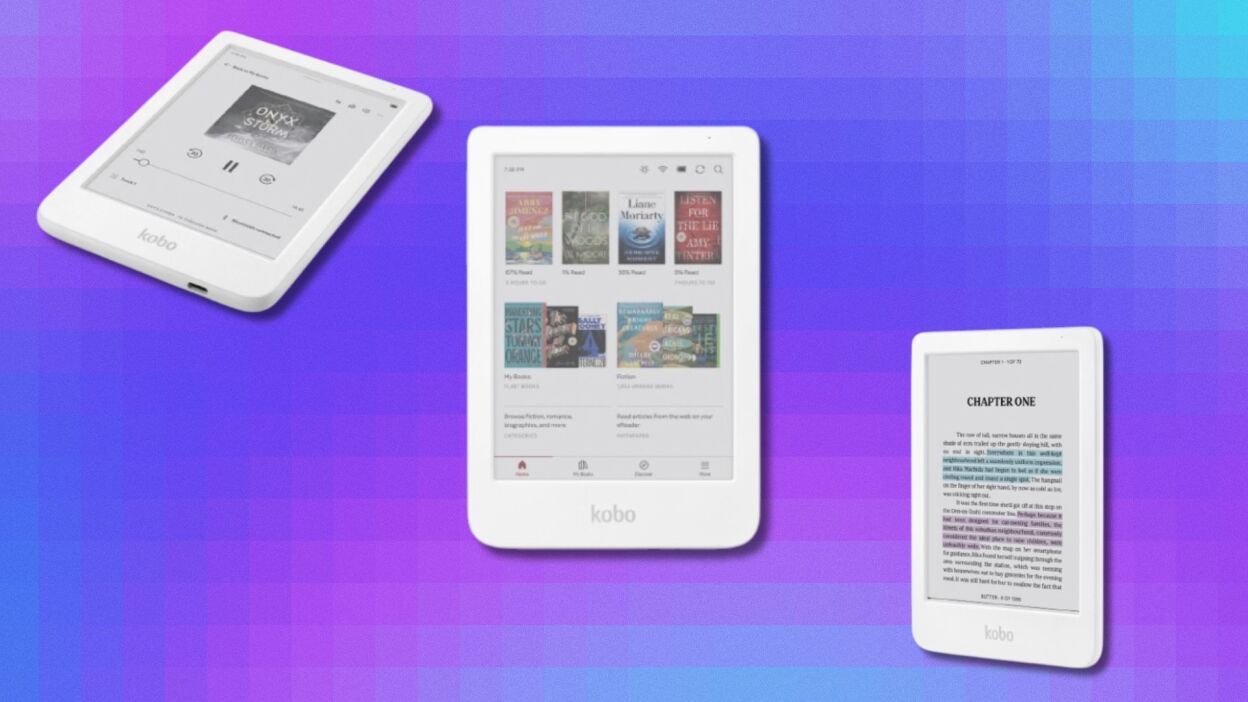
The Clara Colour's headline feature is its color e-ink display. It won't look like an iPad — colors are muted and pastel-like — but for book covers, magazine layouts, and comics with color panels, it adds something that black-and-white readers can't match.
Kobo's built-in OverDrive integration lets you borrow library books directly on the device. No separate app, no transfers — search your library's catalog, borrow, and read. If you borrow a lot of books from the library, this alone might sell you on Kobo.
The open ecosystem is the other advantage. Sideload ePub, PDF, and CBZ files without conversion. No DRM lock-in to a single store.
Kindle Scribe 2
Kindle Scribe 2
Pros
- 10.2-inch screen is great for PDFs and textbooks
- Premium Pen writes naturally on the e-ink display
- Active reading with margin notes that sync across devices
- Send-to-Kindle for documents
- Beautiful for full-page reading
Cons
- $340 is steep for an e-reader
- Not waterproof
- Pen latency is noticeable compared to iPad
- Heavy compared to standard e-readers
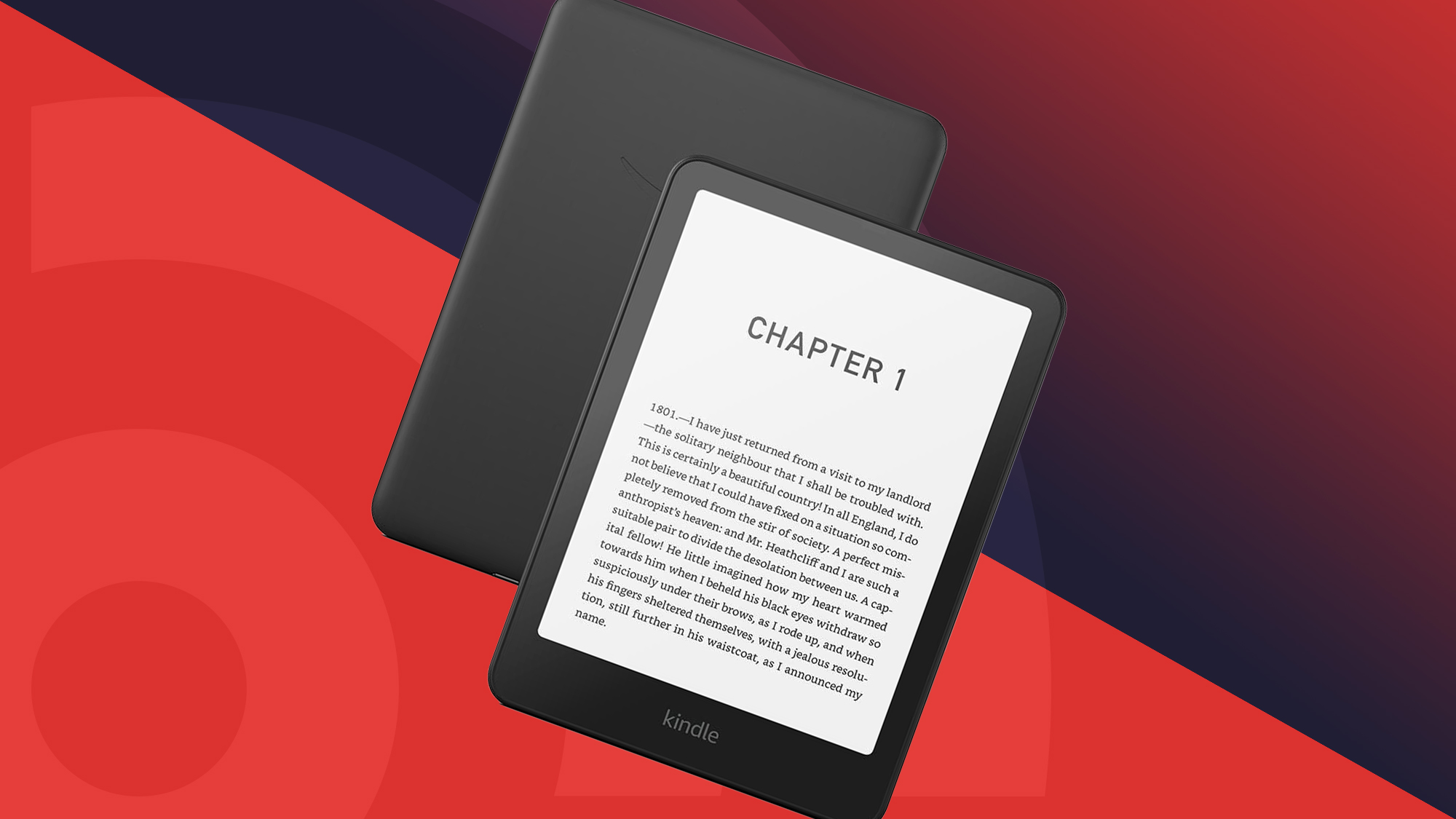
The Scribe 2 is for readers who also want to write. The 10.2-inch screen makes full-page PDFs actually readable without zooming, and the included Premium Pen lets you scribble margin notes directly alongside the text. Notes sync to your Kindle app on other devices.
For students and professionals who read a lot of PDFs and academic papers, the larger screen transforms the experience. Textbooks, research papers, and manuscripts are finally comfortable on an e-reader.
The pen experience is good but not iPad-level. There's slight latency that you notice when writing quickly. For annotations and short notes, it's fine. For long-form writing, you'd want a different tool.
BOOX Page 2

BOOX Page 2
Pros
- Runs Android — install Kindle, Kobo, Libby, anything
- Physical page-turn buttons
- 7-inch 300ppi display
- Open file format support
- Customizable reading experience
Cons
- Android apps aren't optimized for e-ink
- Battery life shorter than Kindle — about 2 weeks
- More complex setup than Kindle or Kobo
- E-ink refresh can ghost with Android UI
The BOOX Page 2 runs full Android, which means you can install Kindle, Kobo, Libby, Google Play Books, or any other reading app. If you buy books from multiple stores, this is the only e-reader that lets you read them all on one device without converting formats.
Physical page-turn buttons on the sides are a feature I love. Tapping the screen works, but pressing a physical button while holding the device one-handed is more comfortable, especially in bed.
The downside: Android on e-ink is a compromise. Apps designed for LCD screens look weird on e-ink. Animations ghost, contrast is off, and scrolling is janky. For reading books, it's fine. For anything else, it's a poor experience.
Kobo Libra Colour
Kobo Libra Colour
Pros
- 7-inch color e-ink with page-turn buttons
- Stylus support for note-taking
- OverDrive library integration
- IPX8 waterproof
- Audiobook support via Bluetooth
Cons
- $220 is getting into tablet territory
- Color quality is limited by e-ink technology
- Stylus sold separately at $70
- Kobo store has fewer titles than Amazon
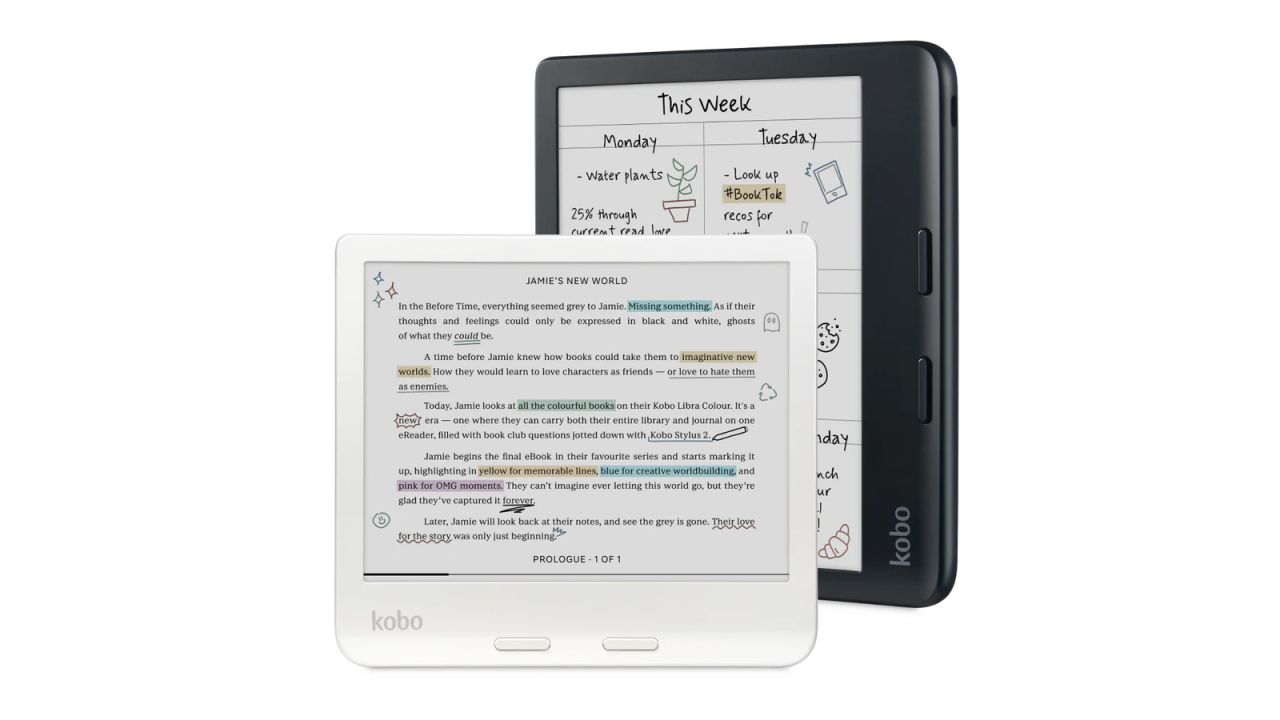
The Libra Colour combines Kobo's best features into one device: color display, page-turn buttons, stylus support, waterproofing, and library integration. It's the Swiss Army knife of e-readers.
At $220 it's not cheap, and the stylus adds another $70. But if you want one device for reading, note-taking, and library borrowing, the Libra Colour covers all the bases.
Which e-reader ecosystem should you pick?
Amazon Kindle — Biggest store, best reading features, but locked ecosystem. Best for: people who buy all their books from Amazon.
Kobo — Library integration, open formats, color options. Best for: library borrowers, people who sideload books, those who want color.
BOOX — Multi-store freedom via Android. Best for: readers who buy from multiple stores and want maximum flexibility.
My recommendation for most people: Kindle Paperwhite Signature ($190). The reading experience is the most refined, and Amazon's ecosystem is hard to beat for selection and convenience.
As an Amazon Associate, we earn from qualifying purchases. This doesn't affect our recommendations or editorial independence.