Best Ergonomic Mice 2026
The best ergonomic mice for reducing wrist pain and improving comfort during long work sessions. Vertical, trackball, and contoured options tested.
I developed wrist pain after about a decade of using standard mice for 8+ hours a day. Switching to an ergonomic mouse didn't cure it overnight, but after two weeks with a vertical mouse, the pain went from daily to occasional. A month in, it was mostly gone. Ergonomic mice work — but the adjustment period is real, and picking the right shape matters.
I tested seven ergonomic mice over the past two months, rotating daily to compare comfort, precision, and how quickly each one started feeling natural.
Quick comparison
| Mouse | Type | Connection | Battery | Price |
|---|---|---|---|---|
| Logitech MX Vertical | Vertical | Bluetooth/USB | 4 months | $80 |
| Logitech Lift | Vertical (smaller) | Bluetooth/USB | 24 months | $70 |
| Logitech MX Ergo S | Trackball | Bluetooth/USB | 4 months | $100 |
| Razer Pro Click V2 | Contoured | Bluetooth/USB/2.4GHz | 400 hours | $100 |
| Kensington Pro Fit Ergo | Vertical | Bluetooth/USB | 6 months | $50 |
Logitech MX Vertical
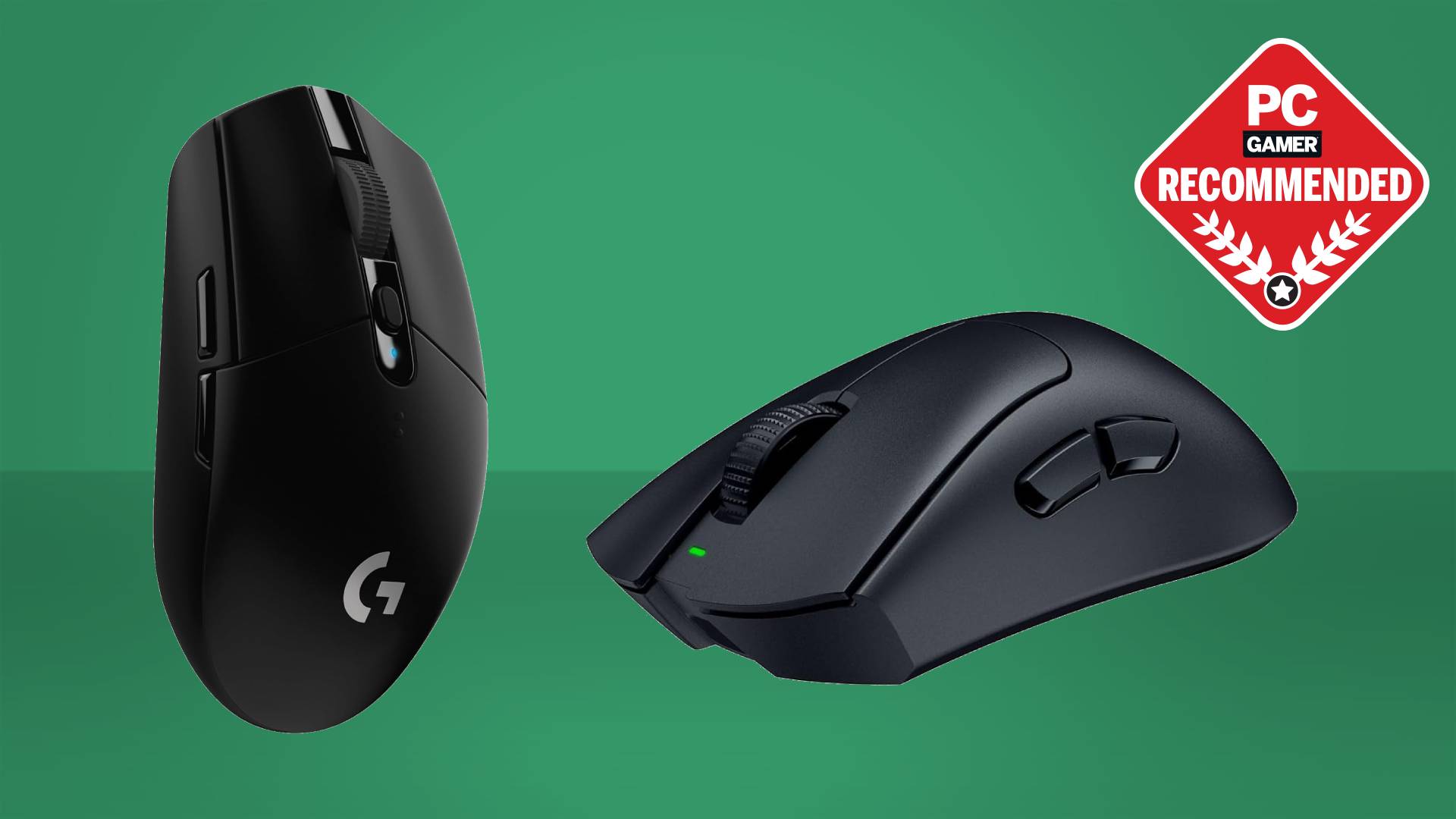
Logitech MX Vertical
Pros
- 57-degree angle reduces forearm strain immediately
- 4,000 DPI sensor is precise enough for detailed work
- USB-C charging with 4-month battery life
- Pairs with up to 3 devices via Flow
- Comfortable rubber grip
Cons
- Not great for gaming — too slow for fast movements
- Only one thumb button
- Takes about a week to adjust to
- Right-hand only
The MX Vertical is the mouse I recommend to anyone with wrist problems. The 57-degree angle puts your forearm in a handshake position, which reduces the pronation that causes most mouse-related wrist pain. It felt weird for about four days. By day seven, using a flat mouse felt wrong.
The 4,000 DPI sensor handles everything from spreadsheets to Photoshop without issue. It's not a gaming mouse and doesn't pretend to be — but for work, the precision is more than adequate. Logitech Flow lets you slide your cursor across multiple computers, which is genuinely useful if you run a Mac and PC side by side.
Four-month battery life from USB-C charging means I charge it roughly four times a year. Quick charge gives you three hours of use from one minute of charging, which has saved me during meetings.
Logitech Lift
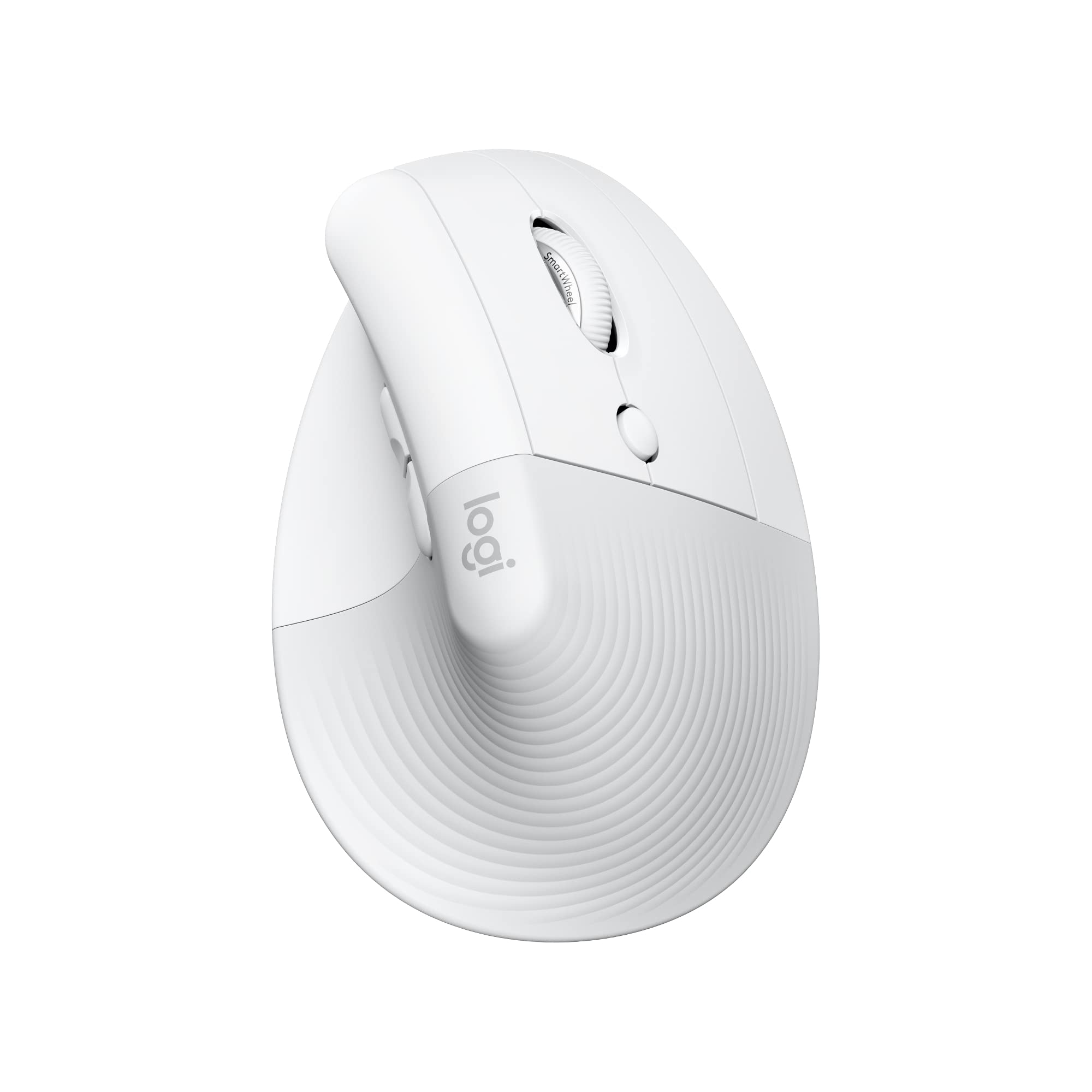
Logitech Lift Vertical Ergonomic Mouse
Pros
- Smaller design fits hands under 7.5 inches
- Available in left-hand version
- Silent clicks
- AA battery lasts 24 months
- Softer angle than MX Vertical — easier transition
Cons
- Too small for large hands
- 4,000 DPI max
- Bluetooth only — no 2.4GHz dongle
- Fewer buttons than MX Vertical
The Lift is the MX Vertical's smaller sibling, designed for hands under 7.5 inches from wrist to fingertip. If the MX Vertical feels too big (it does for about 40% of people, based on hand size data), the Lift provides the same ergonomic benefits in a more manageable package.
The slightly less aggressive angle — closer to 45 degrees than 57 — makes the transition from a flat mouse easier. It comes in a left-hand version, which is rare for vertical mice. Silent clicks are a small but appreciated feature for open offices and late-night work.
Logitech MX Ergo S
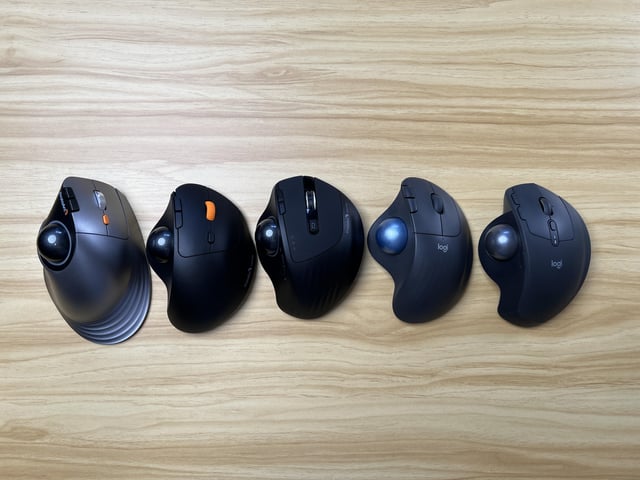
Logitech MX Ergo S
Pros
- Trackball eliminates wrist movement entirely
- Adjustable hinge: 0° to 20° tilt
- Precision mode button for fine cursor control
- Pairs with 3 devices
- No desk space needed — works on any surface
Cons
- $100 is expensive for a trackball
- Learning curve is steep — takes 2+ weeks
- Trackball needs periodic cleaning
- Not for gaming at all
If vertical mice still cause you wrist pain, a trackball eliminates wrist movement entirely. Your hand stays stationary; your thumb does all the cursor work. The adjustment period is genuinely long — two weeks before I felt competent, a month before I was as fast as with a regular mouse.
The adjustable hinge lets you set the tilt angle from flat to 20 degrees, so you can find the position that's most comfortable for your hand. The precision mode button halves the cursor speed for detailed work, which compensates for the inherently less precise trackball input.
Worth the steep learning curve if you have chronic wrist issues. Not worth it if a vertical mouse already solves your problem.
Razer Pro Click V2
Razer Pro Click V2
Pros
- Contoured shape without the vertical angle — familiar feel
- 30,000 DPI sensor — precise for creative work
- Three connection modes: BT, 2.4GHz, USB
- 8 programmable buttons
- Premium build quality
Cons
- Not truly ergonomic — minimal angle change
- Large size may not suit smaller hands
- Razer Synapse software is heavy
- $100 for a productivity mouse
The Pro Click V2 is for people who want better comfort without the radical shape change of a vertical mouse. It's contoured to fit the natural curve of your palm, with a slight 10-degree tilt that reduces pronation without the dramatic angle adjustment. If you tried a vertical mouse and couldn't get used to it, this is the compromise.
The 30,000 DPI sensor and eight programmable buttons make it the most capable mouse here for creative professionals. It's effectively a productivity version of Razer's gaming mice — precise, responsive, and well-built.
Kensington Pro Fit Ergo Vertical
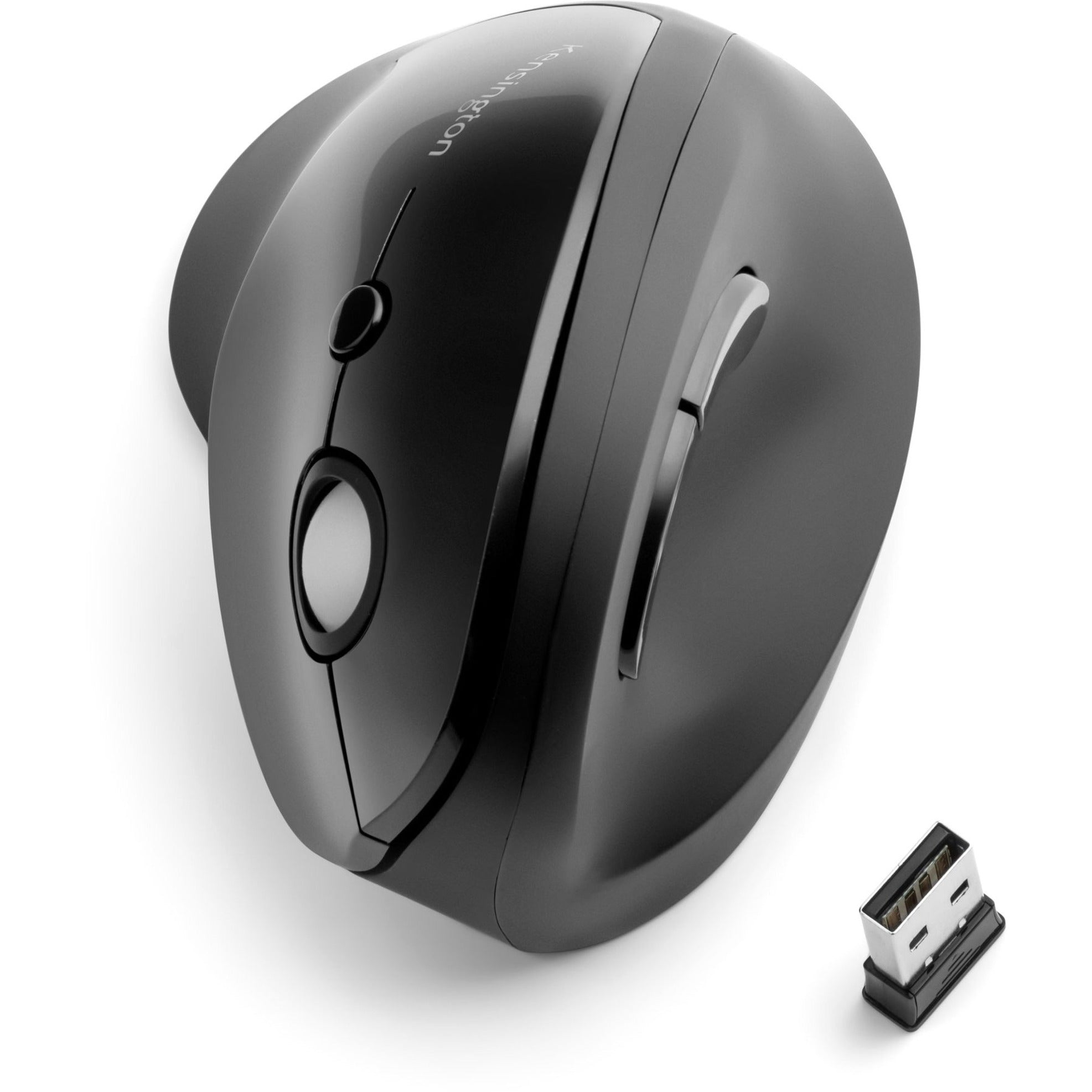
Kensington Pro Fit Ergo Vertical Mouse
Pros
- $50 — cheapest vertical mouse worth buying
- 60-degree angle
- Works well for the price
- AA battery lasts 6 months
- Simple and reliable
Cons
- Build quality feels cheap compared to Logitech
- No multi-device pairing
- Sensor is adequate but not great
- Limited software customization
If you want to try a vertical mouse without spending $80+, the Kensington gets you there for $50. The 60-degree angle is slightly more aggressive than the MX Vertical, and the ergonomic benefit is similar. Build quality is noticeably cheaper — more plastic, lighter weight, less refined scroll wheel — but it works.
I'd recommend this as a "try vertical mice" option. If the shape works for your wrist, upgrade to the MX Vertical or Lift later.
Choosing the right type
Vertical mice reduce forearm pronation. Good if your pain is on the top or outer side of your wrist. Adjustment period: about one week.
Trackball mice eliminate wrist movement. Good if your pain is from repetitive wrist motion. Adjustment period: two to four weeks.
Contoured mice improve palm support. Good for general discomfort without committing to a radical design change. Adjustment period: minimal.
See a doctor if your wrist pain is severe, persistent, or accompanied by numbness. An ergonomic mouse helps, but it's not a substitute for medical advice.
As an Amazon Associate, we earn from qualifying purchases. This doesn't affect our recommendations or editorial independence.