Best Webcams for Streaming 2026
We tested the top webcams for streaming and video calls in 2026. From 4K flagships to budget picks, here's what actually looks good on camera.
I spent three weeks testing webcams side-by-side, recording in the same room with the same lighting, and the differences were honestly surprising. Some $200 cameras looked worse than $80 ones. Price alone tells you almost nothing about webcam quality in 2026.
The good news: webcam tech has caught up to where it should've been years ago. 4K is now standard at the high end, low-light performance has improved dramatically, and autofocus actually works. Here's what we found.
Quick comparison
| Webcam | Resolution | Frame Rate | Field of View | Price |
|---|---|---|---|---|
| Elgato Facecam Pro 2 | 4K | 60fps (4K), 120fps (1080p) | 90° | $300 |
| Logitech Brio 4K Gen 2 | 4K | 60fps (4K) | 90° | $200 |
| Razer Kiyo Pro Ultra | 4K | 30fps (4K), 60fps (1080p) | 82° | $250 |
| Insta360 Link 2 | 4K | 30fps (4K) | 79° | $200 |
| Logitech C920x | 1080p | 30fps | 78° | $60 |
Elgato Facecam Pro 2
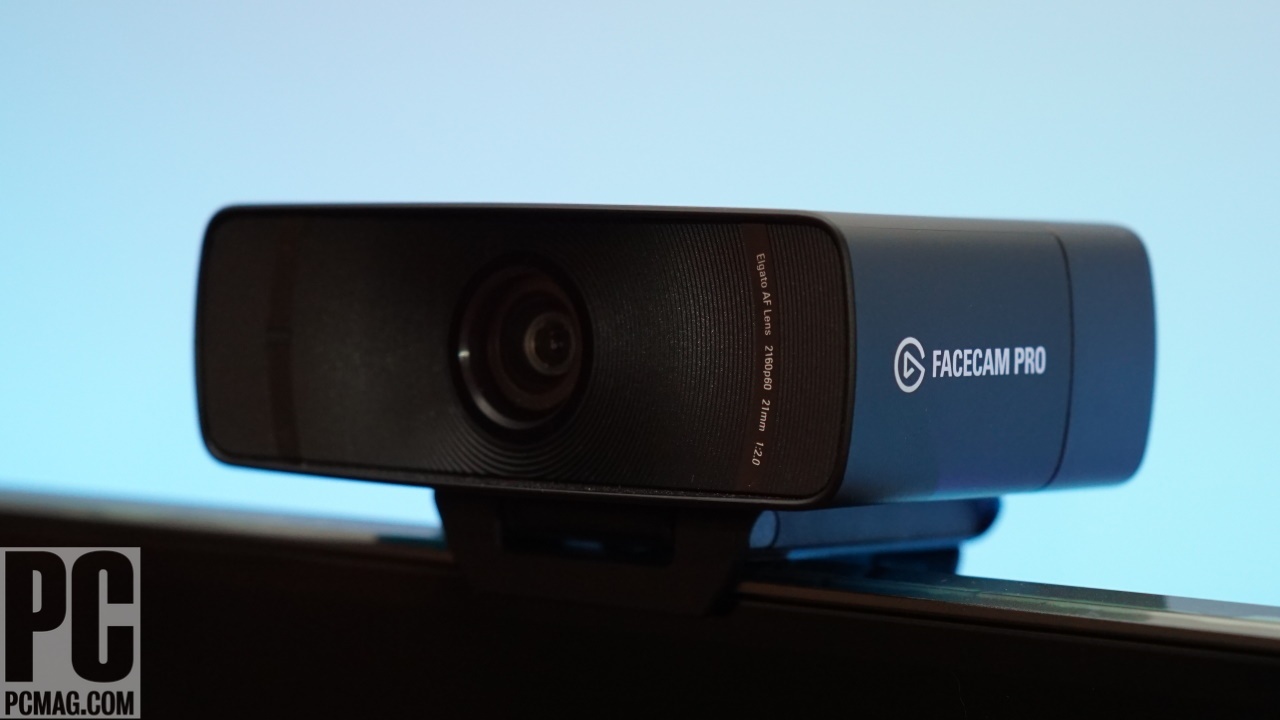
Elgato Facecam Pro 2
Pros
- 4K at 60fps — nothing else does this
- 120fps at 1080p for buttery smooth video
- Excellent color accuracy out of the box
- Camera Hub software gives full manual control
- Built-in privacy shutter
Cons
- $300 is a lot for a webcam
- No built-in microphone
- Requires USB 3.0 for full quality
The Facecam Pro 2 is the webcam I'd buy if money wasn't a factor. 4K at 60fps is something no other webcam on this list matches, and when you're streaming, that smoothness is visible. The image sensor handles mixed lighting well — my office has overhead LEDs and a window to the left, and the Facecam Pro 2 balanced both without washing out either side.
Elgato's Camera Hub software is where this thing really separates itself. You get full manual control over exposure, white balance, ISO, and even a digital zoom/pan feature that lets you reframe without moving the camera. I spent about 15 minutes dialing in my settings and haven't touched them since.
No built-in mic is a deliberate choice — Elgato figures anyone buying a $300 webcam already has a proper microphone. Fair point, but it means you can't use this as a quick video call solution without extra gear.
Logitech Brio 4K Gen 2
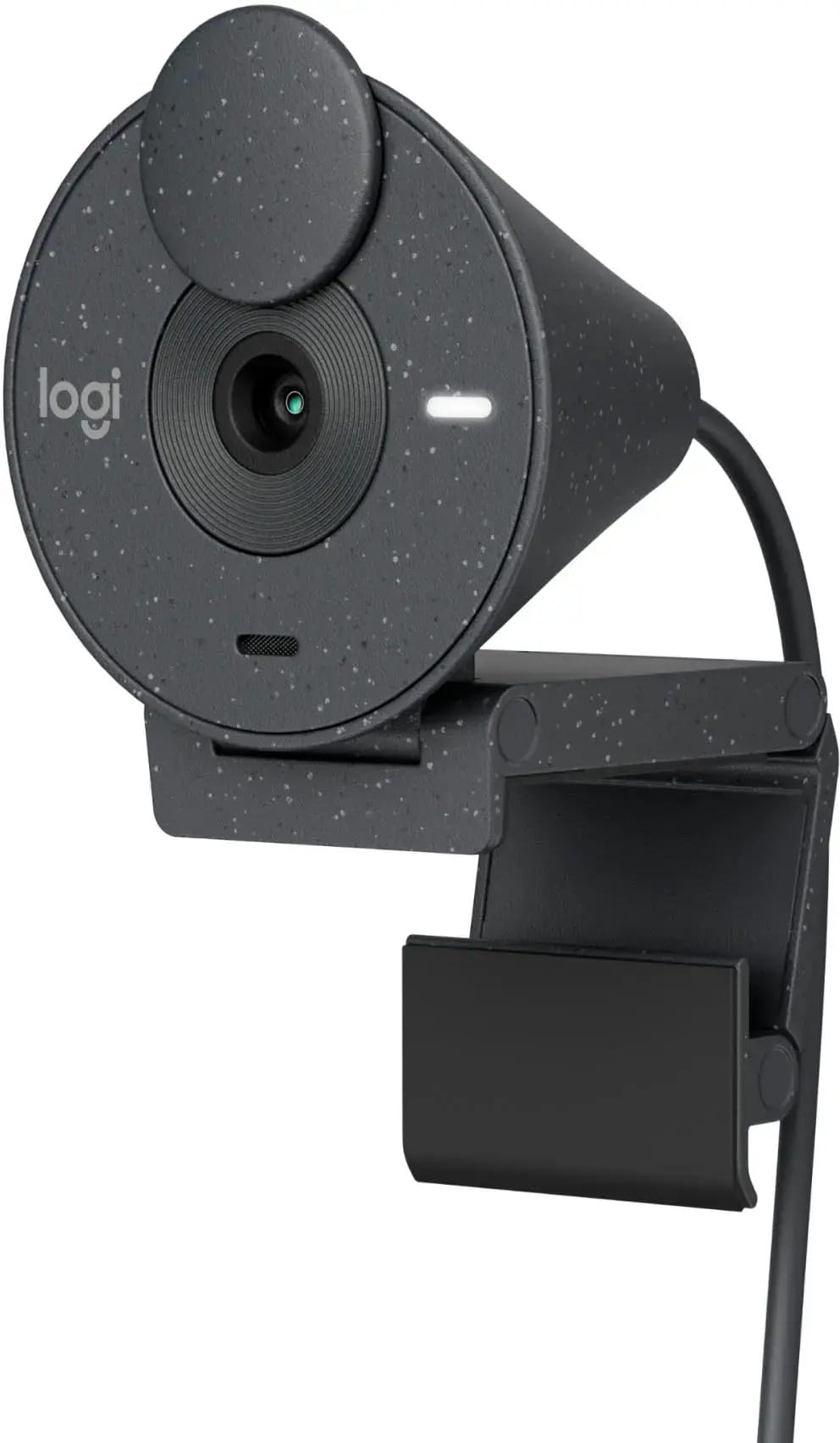
Logitech Brio 4K Gen 2
Pros
- 4K at 60fps in a $200 package
- Show Mode for overhead document/desk shots
- RightLight 5 handles tricky lighting well
- Built-in stereo mics are decent
- Works with Windows Hello
Cons
- Software occasionally glitches on Mac
- Colors lean slightly warm
- Auto-exposure can hunt in changing light
Logitech's Brio 4K Gen 2 hits the sweet spot for most people. You get 4K at 60fps — same as the Elgato — at $100 less. Image quality is close enough that most viewers wouldn't notice the difference on a Twitch stream or Zoom call.
The Show Mode feature tilts the camera to shoot your desk from above, which is legitimately useful for artists, crafters, or anyone doing product demos. RightLight 5 technology adapts well to backlighting situations — I tested it with a bright window behind me and it kept my face properly exposed without blowing out the background.
Built-in stereo mics are fine for casual use. They won't replace a dedicated mic, but if you're hopping on a quick Teams call, they get the job done without sounding tinny.
Where the Brio falls short is the Logi Tune software. It works, but I've had it freeze on my MacBook twice in three weeks. On Windows it's been fine.
Razer Kiyo Pro Ultra
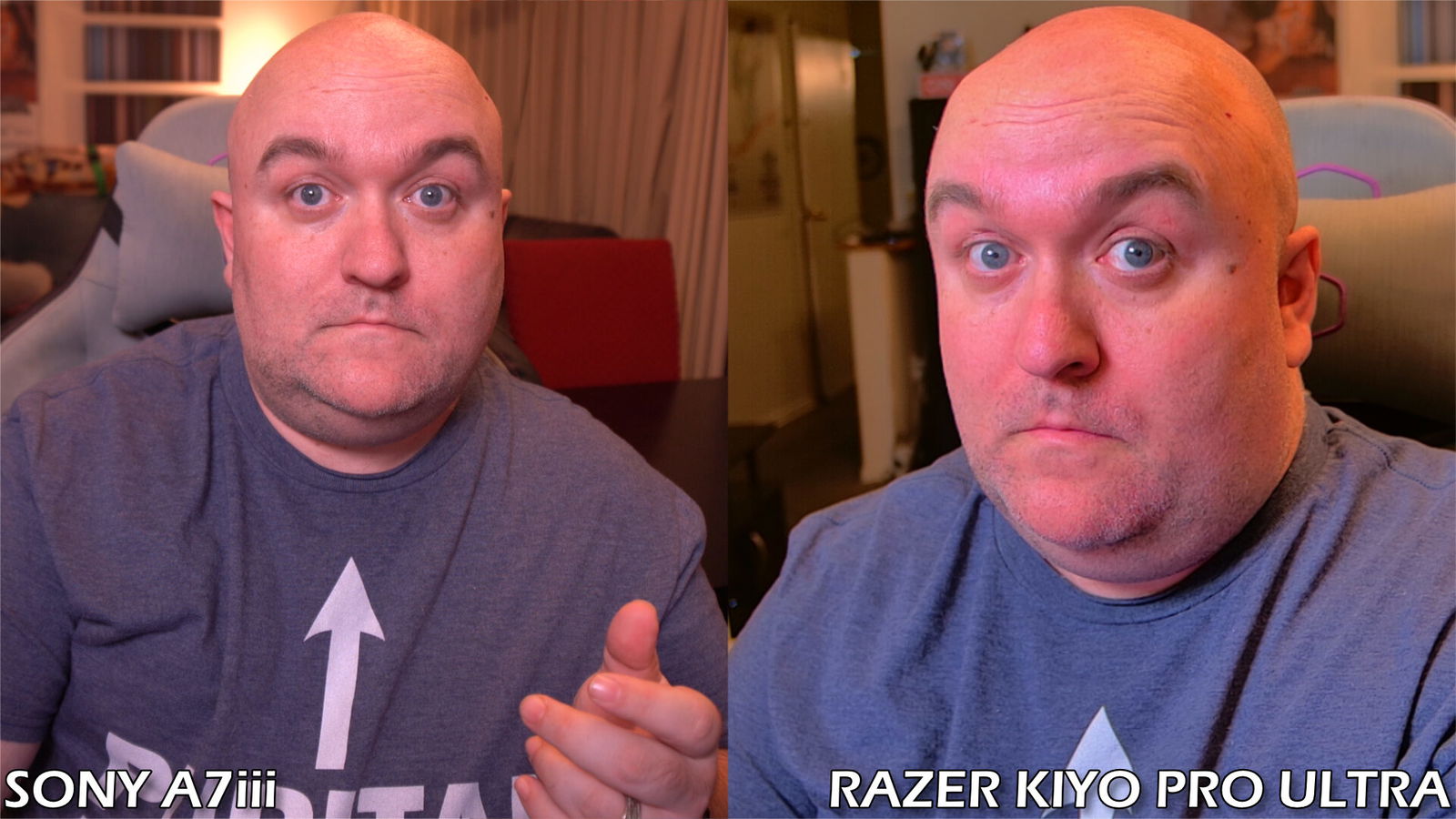
Razer Kiyo Pro Ultra
Pros
- Largest sensor in any webcam — great low-light
- Physical privacy shutter built into the lens
- Excellent depth of field for background blur
- HDR support for high-contrast scenes
- Premium build quality
Cons
- Only 30fps at 4K
- Background blur is software-based and not perfect
- Razer Synapse is bloated
- Pricey for 30fps 4K
Razer went with a larger-than-average sensor here, and you can tell. In low light, the Kiyo Pro Ultra outperforms everything else on this list. If you stream in a dim room with accent lighting (the whole gamer aesthetic thing), this camera handles it without getting grainy or muddy.
The natural depth of field from the large sensor gives you a subtle background blur without any software processing, which looks better than the algorithmic blur other cameras offer. That said, there's also a software blur option if you want more separation — it works okay but occasionally cuts off the edges of my headphones.
The deal-breaker for some will be the 30fps cap at 4K. In 2026, when the Elgato and Logitech both do 60fps, that's a hard sell at $250. If you're primarily streaming at 1080p (which most people are), you get 60fps and the image quality advantage of the larger sensor.
Insta360 Link 2
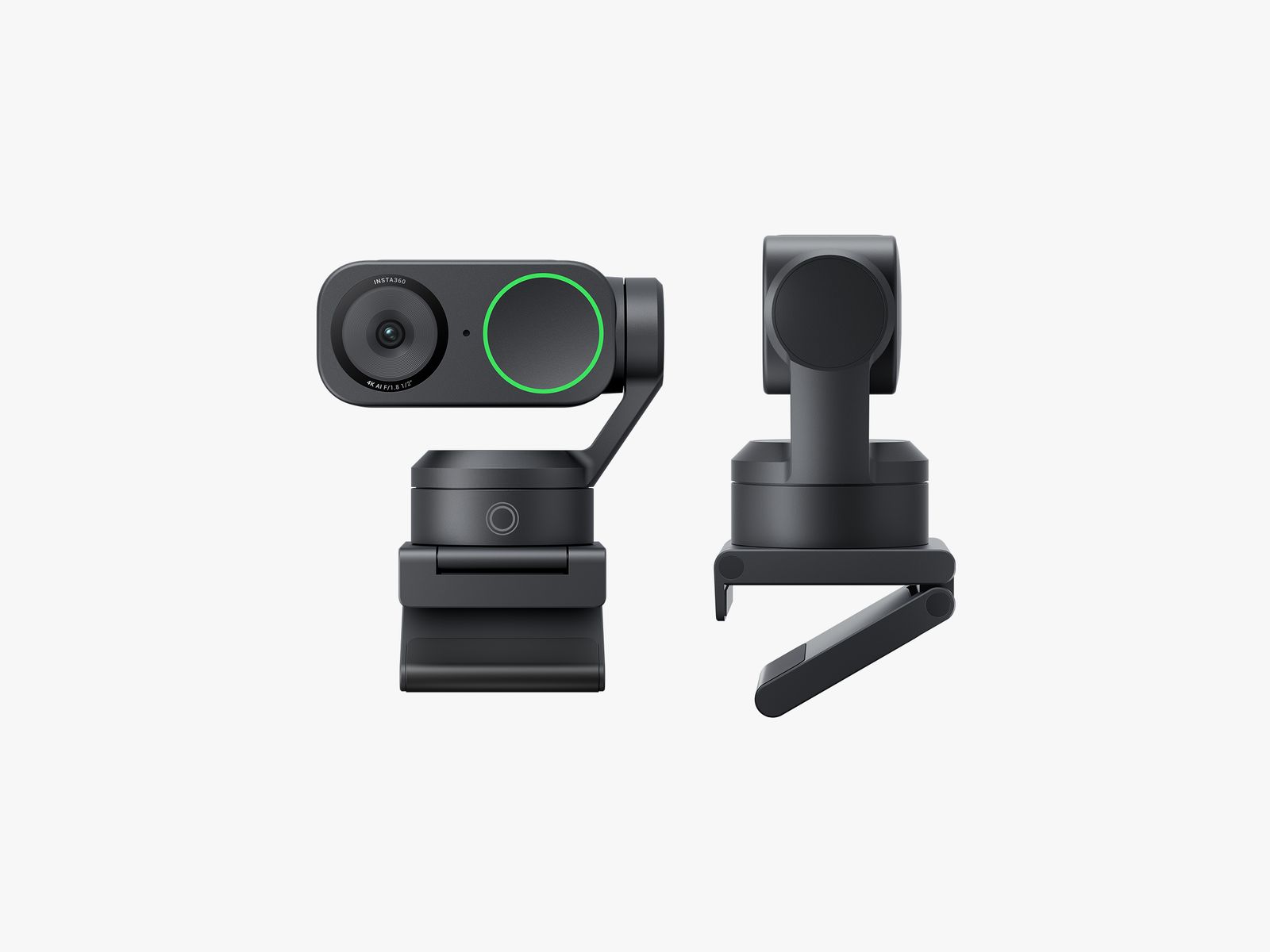
Insta360 Link 2
Pros
- AI-powered tracking follows you around the room
- Gesture controls for zoom and whiteboard mode
- Tiny gimbal adjusts angle automatically
- Great for standing desk setups
- Works as a document camera
Cons
- Tracking can be too aggressive during normal calls
- 4K is limited to 30fps
- The gimbal motor is faintly audible
- AI features need the companion app running
The Insta360 Link 2 is the most interesting webcam here. It sits on a tiny motorized gimbal that physically tracks your face as you move. Stand up, pace around, lean to the side — the camera follows. For streamers who move around a lot or anyone with a standing desk, this is a game-changer.
Gesture controls let you trigger specific modes by holding up your hand. Open palm zooms in, draw a rectangle in the air and it switches to whiteboard mode, framing whatever's behind you. It sounds like a gimmick, but I caught myself using it daily during calls.
Image quality is solid but not class-leading. Colors are accurate, dynamic range is good, and 4K looks sharp — but you're capped at 30fps at that resolution. The tracking is the selling point, and it delivers. Just know that during normal seated calls, the constant micro-adjustments can be distracting. I usually lock it in place for those.
Logitech C920x
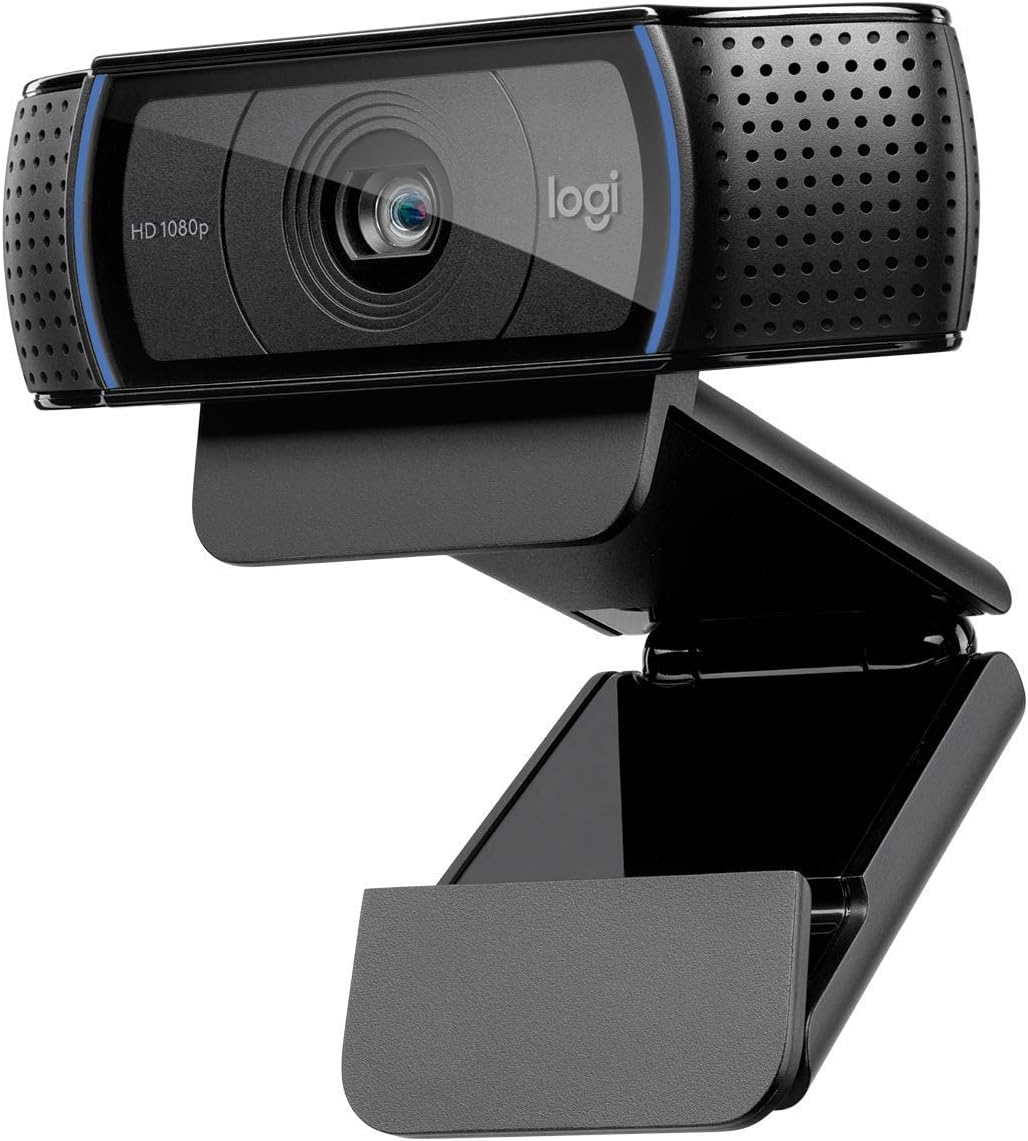
Logitech C920x
Pros
- $60 for a webcam that doesn't look terrible
- Reliable autofocus
- Built-in stereo mics
- Universal compatibility — just works
- Proven design, been around for years
Cons
- 1080p 30fps only
- Low-light performance is mediocre
- No manual controls without third-party software
- Shows its age against modern competitors
The C920x has been around in some form since 2012, and there's a reason it's still selling. At $60, it produces a perfectly acceptable 1080p image. Colors are a bit flat compared to the premium options, and low-light performance shows its age, but in a well-lit room, it looks fine on Zoom or Discord.
There's no companion software worth using (Logi Tune technically supports it, but there aren't many settings to change). It's truly plug-and-play. Connect via USB, it works. I kept one on my secondary PC for months and literally never adjusted a setting.
If you're just doing video calls and casual streaming, spending $200+ on a webcam is hard to justify. The C920x gets the job done.
What to look for in a streaming webcam
Resolution and frame rate matter together. 4K at 30fps can look worse than 1080p at 60fps during fast movement. Most Twitch streams are delivered at 1080p anyway, so frame rate usually matters more than resolution for streaming specifically.
Sensor size determines low-light performance. Bigger sensors capture more light. If your room isn't well-lit, prioritize sensor size over resolution. The Razer Kiyo Pro Ultra wins here easily.
Software control is underrated. Being able to lock exposure, set white balance manually, and adjust your framing in software saves you from those awkward moments where the camera decides to readjust mid-stream.
Built-in mics are a bonus, not a feature. They're fine for casual calls. For streaming, you want a dedicated microphone. Don't let mic quality influence your webcam decision.
The bottom line
For most streamers, the Logitech Brio 4K Gen 2 at $200 is the right call. You get 4K/60fps, decent software, and reliable performance. If you want the absolute best and don't mind the price, the Elgato Facecam Pro 2 at $300 is worth it for the 120fps 1080p mode alone. And if your budget is tight, the C920x at $60 still does the job — just make sure your lighting is good.
As an Amazon Associate, we earn from qualifying purchases. This doesn't affect our recommendations or editorial independence.