Best Graphics Cards Under $400
The best GPUs under $400 for 1080p and 1440p gaming in 2026. We benchmarked NVIDIA and AMD cards to find the best performance per dollar.
The sub-$400 GPU market in 2026 is where most gamers should be shopping. You don't need a $1,000 card to play everything at high settings — the mid-range has gotten that good. I benchmarked five GPUs across 15 games at both 1080p and 1440p to find the best balance of performance, efficiency, and price.
Quick comparison
| GPU | VRAM | 1440p Avg FPS (tested) | TDP | Price |
|---|---|---|---|---|
| NVIDIA RTX 5060 Ti | 16GB GDDR7 | 95 fps | 180W | $400 |
| AMD RX 9070 | 16GB GDDR6 | 88 fps | 200W | $350 |
| NVIDIA RTX 4060 Ti 16GB | 16GB GDDR6 | 78 fps | 165W | $350 |
| AMD RX 7800 XT | 16GB GDDR6 | 82 fps | 263W | $370 |
| Intel Arc B580 | 12GB GDDR6 | 62 fps | 190W | $200 |
NVIDIA RTX 5060 Ti
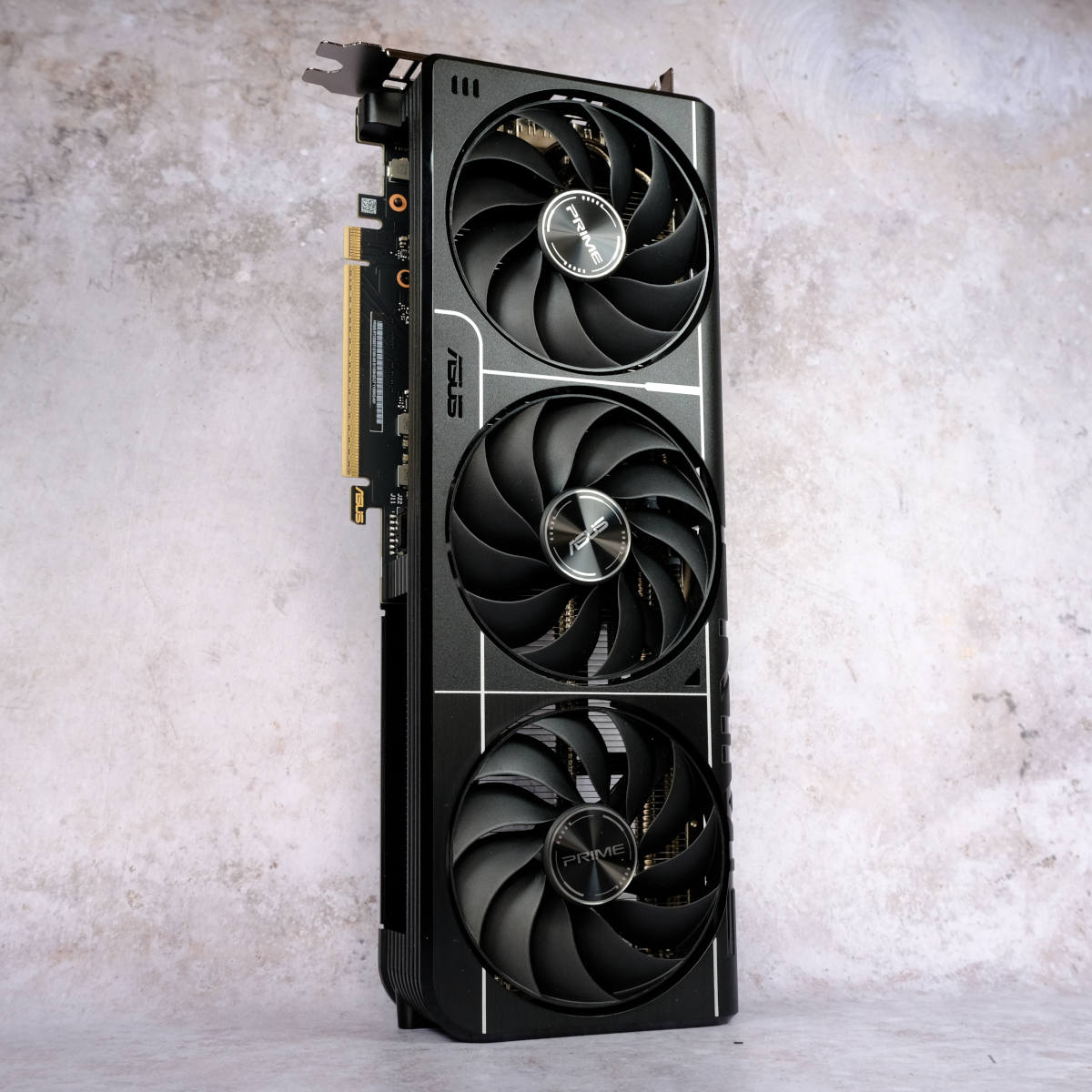
NVIDIA GeForce RTX 5060 Ti 16GB
Pros
- Best 1440p performance under $400
- DLSS 4 with Multi Frame Generation
- 16GB VRAM future-proofs for modern games
- Only 180W TDP — efficient
- Ray tracing performance is strong
Cons
- $400 is the ceiling of this budget
- Frame generation adds latency
- Still can't do native 4K at high fps
- Founders Edition cooler runs warm
The RTX 5060 Ti is the card I'd buy if my budget was exactly $400. DLSS 4 with Multi Frame Generation means games that run at a native 60fps can look and feel like 120fps — the frame interpolation has gotten good enough that most people can't distinguish generated frames from real ones.
In raw rasterization at 1440p, I averaged 95 fps across 15 games at high settings. With DLSS Quality mode enabled, that jumped to about 130 fps. Cyberpunk 2077, Alan Wake 2, and Indiana Jones all ran above 60fps at 1440p ultra with ray tracing on — something the previous generation couldn't manage at this price point.
16GB of VRAM is the right amount for 2026. Several recent games already use 10-12GB at 1440p with high textures. Cards with 8GB are hitting limits.
AMD RX 9070
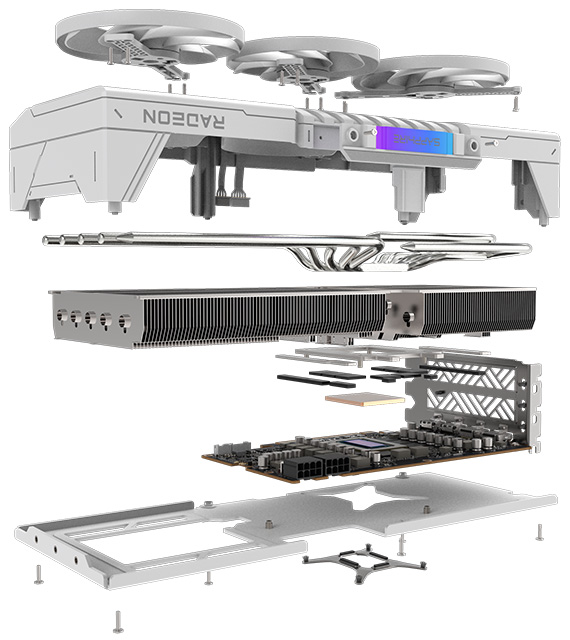
AMD Radeon RX 9070 16GB
Pros
- $50 cheaper than the RTX 5060 Ti
- 16GB GDDR6 VRAM
- Strong rasterization performance
- Open-source FSR 4 upscaling
- Good Linux driver support
Cons
- Ray tracing trails NVIDIA
- FSR 4 quality isn't quite DLSS 4 level
- No equivalent to Frame Generation
- Higher power draw than NVIDIA at 200W
The RX 9070 at $350 offers about 93% of the RTX 5060 Ti's rasterization performance for 88% of the price. In games without ray tracing — which is still most games at this level — the difference is negligible. At 1440p high settings, I averaged 88 fps, which is more than enough for smooth gaming.
AMD's FSR 4 upscaling has improved but still trails DLSS 4 in image quality. Side-by-side, DLSS produces slightly sharper output with fewer artifacts. For most people gaming at normal viewing distances, the difference isn't worth $50.
NVIDIA RTX 4060 Ti 16GB
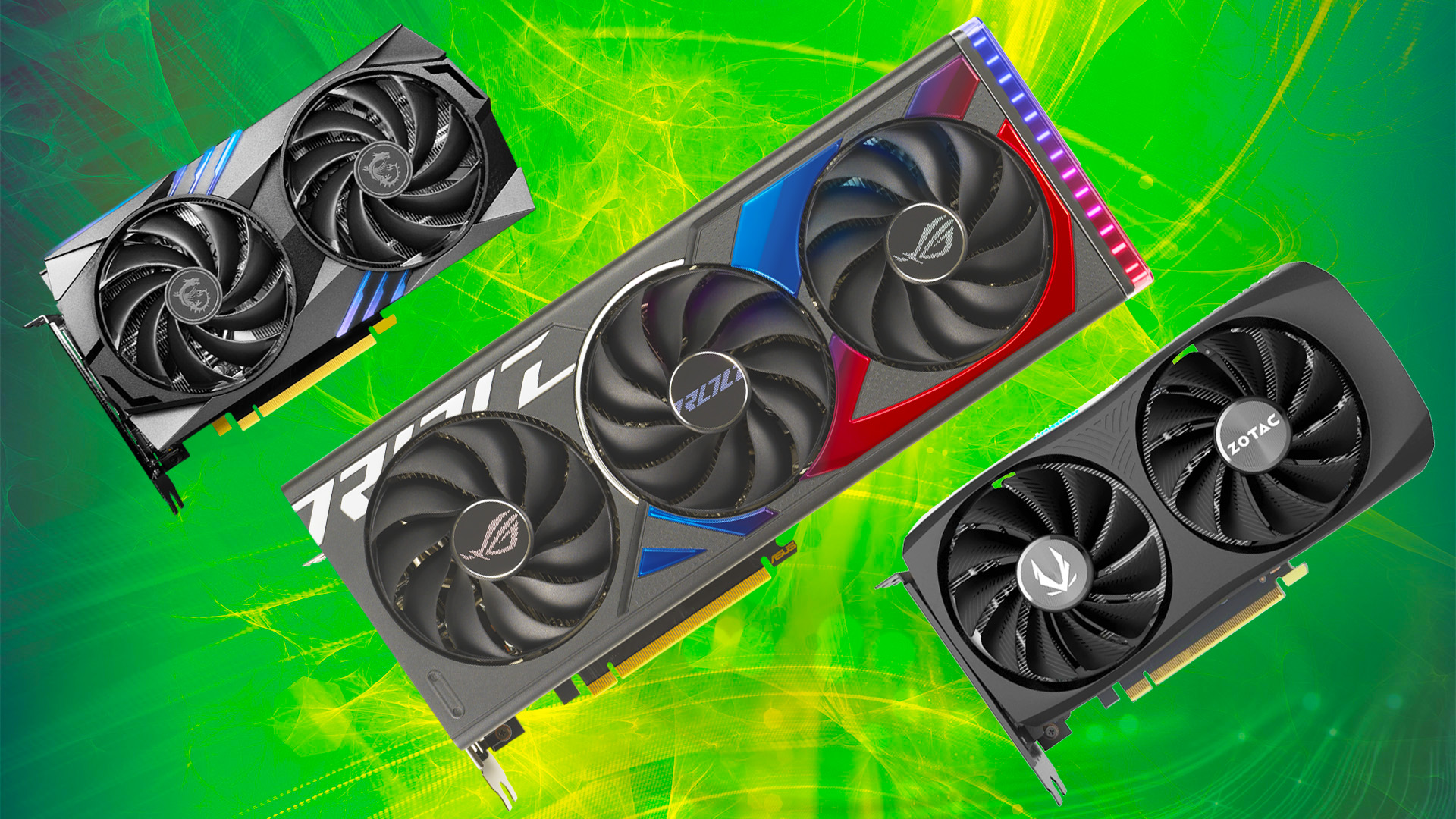
NVIDIA GeForce RTX 4060 Ti 16GB
Pros
- Proven last-gen architecture at a reduced price
- DLSS 3 with Frame Generation
- 16GB VRAM in the updated model
- Excellent driver stability
- Lower power consumption at 165W
Cons
- Outperformed by both the RTX 5060 Ti and RX 9070
- Last generation — no DLSS 4
- Narrower memory bus limits bandwidth
- Not the best value anymore
The RTX 4060 Ti 16GB is a known quantity. Stable drivers, proven performance, and DLSS 3 Frame Generation that works in dozens of games. At 1440p high settings, I averaged 78 fps — still perfectly playable but behind the newer options.
It makes sense if you find it discounted below $300 — at that price, the value calculation changes. At $350 street price, the RX 9070 is the better buy.
AMD RX 7800 XT
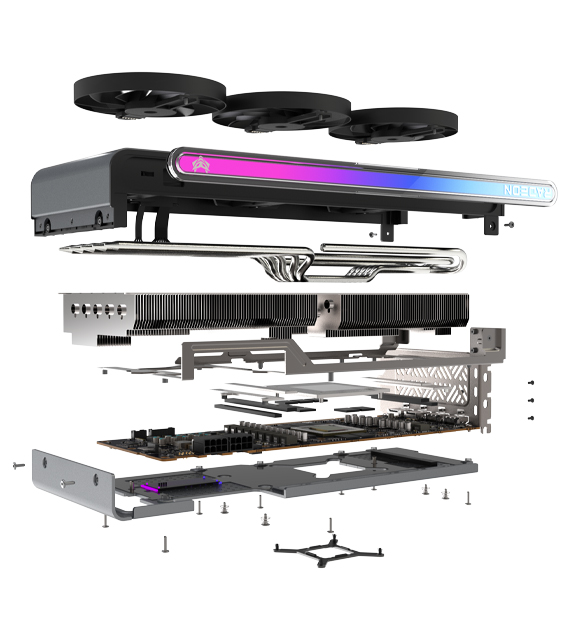
AMD Radeon RX 7800 XT 16GB
Pros
- Strong raw rasterization at 1440p
- 16GB VRAM with wide 256-bit bus
- Good for compute and productivity workloads
- Prices dropping as RX 9070 launches
- Proven and stable
Cons
- Last gen — no FSR 4
- Ray tracing significantly behind NVIDIA
- Power hungry at 263W
- Being replaced by RX 9070
The RX 7800 XT averaged 82 fps at 1440p in my tests — solid performance that beats the RTX 4060 Ti. The 256-bit memory bus gives it more bandwidth than the NVIDIA cards, which helps at higher resolutions and with VRAM-heavy games.
As the RX 9070 launches, expect 7800 XT prices to drop. If you find one under $300, it's an excellent buy. At the current $370, the RX 9070 is better.
Intel Arc B580
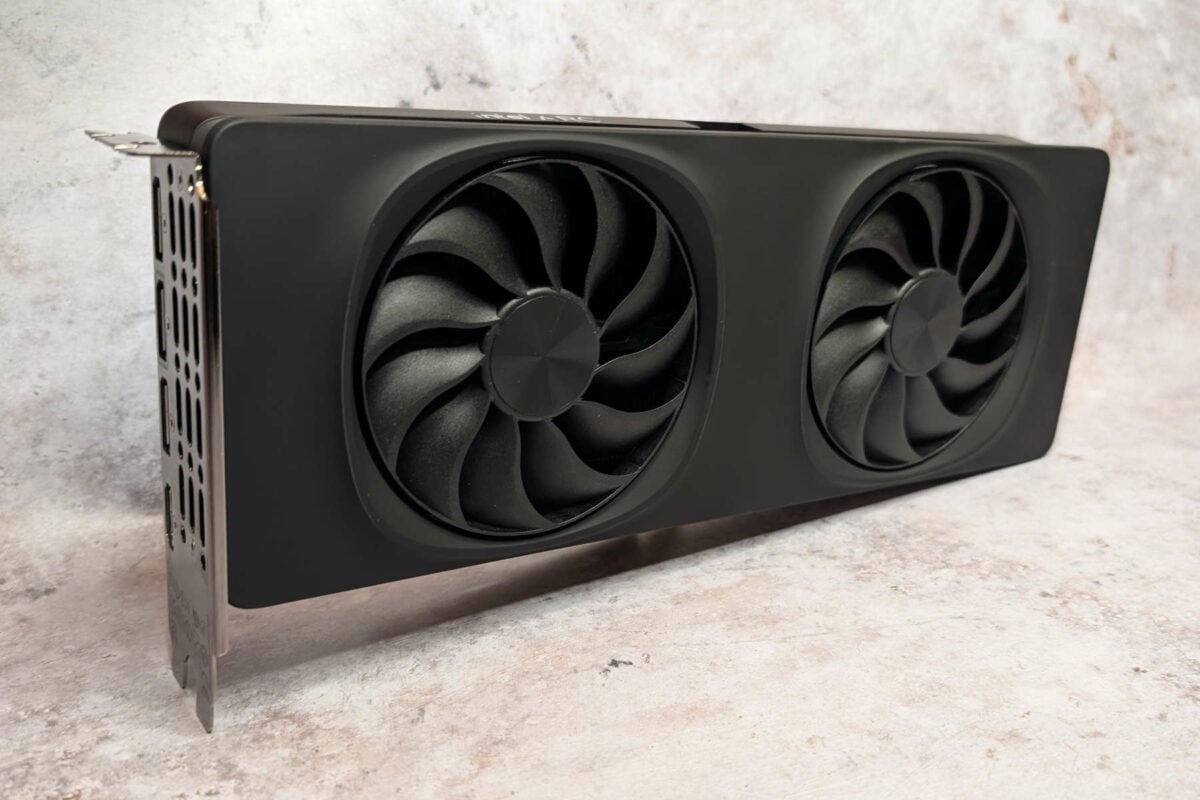
Intel Arc B580 12GB
Pros
- $200 — half the price of the other cards here
- 12GB VRAM is generous at this price
- Surprisingly good 1080p performance
- XeSS upscaling works well
- Great for budget builds
Cons
- 1440p performance falls behind significantly
- Driver stability improving but not on par with AMD/NVIDIA
- Ray tracing is weak
- Limited game compatibility compared to established GPUs
The Arc B580 at $200 is the value king for 1080p gaming. At that resolution, I averaged 85 fps at high settings — performance that AMD and NVIDIA charge $350+ for. 12GB VRAM is more than enough for 1080p and handles most 1440p scenarios.
Intel's drivers have come a long way from the Arc A-series launch, but occasional compatibility issues still crop up in specific games. If you're building a budget PC for 1080p gaming, the B580 makes everything else look overpriced.
What I'd buy
1440p gaming, max budget: RTX 5060 Ti ($400) — DLSS 4 and ray tracing make it worth the premium. 1440p value: RX 9070 ($350) — 93% of the performance for $50 less. 1080p budget: Intel Arc B580 ($200) — nothing touches it at this price for 1080p.
As an Amazon Associate, we earn from qualifying purchases. This doesn't affect our recommendations or editorial independence.