Best NAS Drives for Home 2026
The best NAS devices for home use in 2026. We compare Synology, QNAP, Asustor, and DIY TrueNAS builds for backups, Plex, photos, and self-hosting.
A NAS (Network Attached Storage) is one of those things that sounds nerdy until you set one up and realize you can't live without it. Your own personal cloud for backups, a Plex media server, self-hosted photo storage that replaces Google Photos, a Time Machine target for every Mac in your house — all running 24/7 on a quiet little box in your closet.
The NAS market in 2026 has something for everyone, from dead-simple consumer devices to powerful self-hosted machines. Here's what's worth buying.
Our Top Picks at a Glance
| NAS | Bays | CPU | RAM | Price (diskless) |
|---|---|---|---|---|
| Synology DS224+ | 2 | Intel Celeron J4125 | 2GB DDR4 | $299 |
| Synology DS423+ | 4 | Intel Celeron J4125 | 2GB DDR4 | $450 |
| QNAP TS-464 | 4 | Intel Celeron N5095 | 8GB DDR4 | $449 |
| Asustor AS5402T | 2 | Intel Celeron N5105 | 4GB DDR4 | $289 |
| DIY TrueNAS Build | 4+ | Varies | 16GB+ ECC | ~$400-600 |
Best for Most People: Synology DS224+
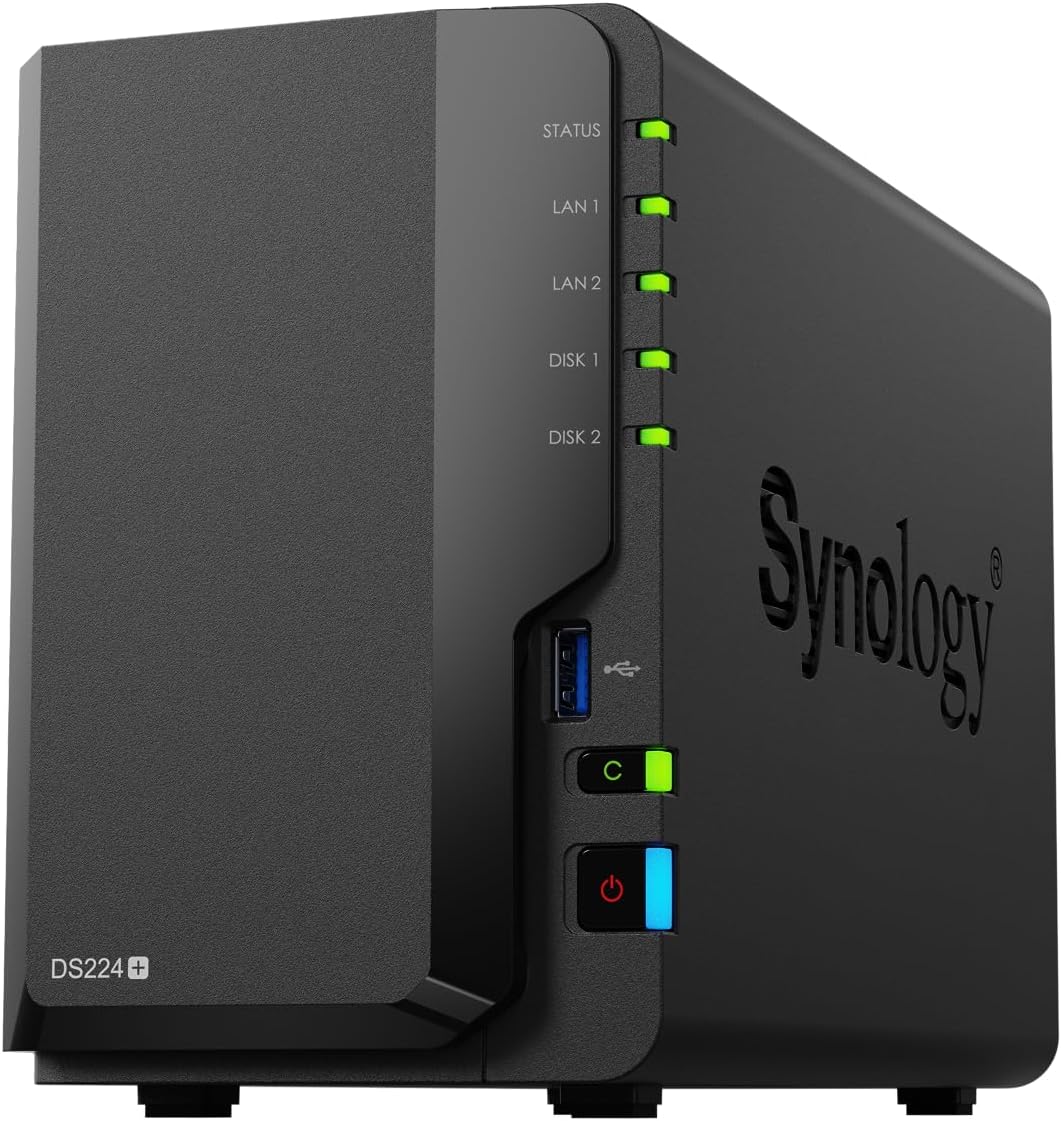
Synology DS224+
Pros
- Synology DSM is the best NAS OS — period
- Plex transcoding with Intel Quick Sync
- Synology Photos is a legit Google Photos replacement
- Dead simple setup and management
- Active Backup suite for free
- Excellent community and documentation
Cons
- Only 2GB RAM (expandable to 6GB unofficially)
- 2 bays limits total storage capacity
- Intel Celeron is showing its age
- No 2.5GbE networking
- Synology drives are recommended but pricey
The Synology DS224+ has been the go-to home NAS recommendation for years, and for good reason: Synology's DSM software is genuinely excellent. The web interface is intuitive, the mobile apps work well, and the package ecosystem covers everything from media streaming to surveillance cameras.
Synology Photos deserves special mention — it's a self-hosted photo management app with facial recognition, timeline views, and sharing features that legitimately replaces Google Photos. Your photos stay on your NAS, not in someone else's cloud.
The Intel Celeron J4125 handles Plex transcoding for 1-2 simultaneous streams via Intel Quick Sync. For direct play to modern streaming devices (Apple TV, Nvidia Shield), it handles many more streams without breaking a sweat.
Two bays means you'll want to run RAID 1 (mirroring) for redundancy, giving you one drive's worth of usable storage. With 20TB drives now affordable (~$250-300 each), that's 20TB of redundant storage for around $900 all-in. Plenty for most households.
The 2GB of RAM is the biggest limitation. It's enough for basic file serving and Plex, but Docker containers and heavier workloads benefit from more. You can unofficially upgrade to 6GB.
Who it's for: Anyone who wants a NAS that "just works" — set it up once, and it runs reliably for years.
Best 4-Bay: Synology DS423+
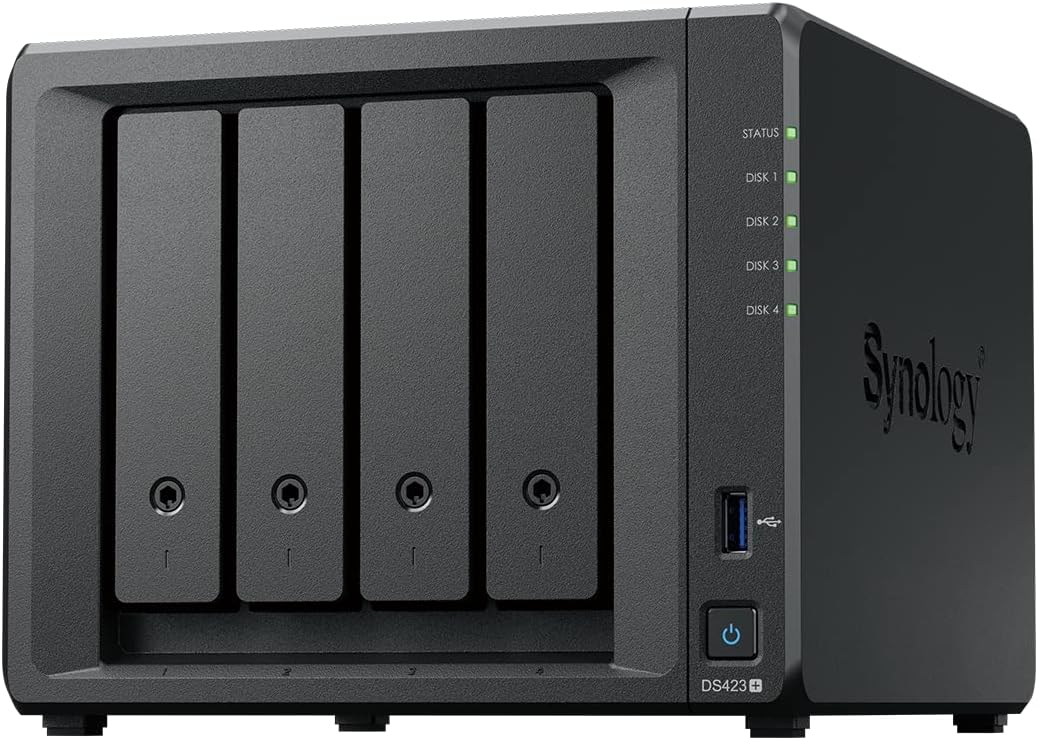
Synology DS423+
Pros
- 4 bays = more storage flexibility
- Same excellent DSM software
- RAID 5 support for redundancy + capacity
- M.2 NVMe cache slots
- Intel Quick Sync for Plex
Cons
- $450 diskless — drives add up fast
- Same 2GB RAM limitation as DS224+
- Same aging Celeron CPU
- No 2.5GbE without add-on
If 2 bays isn't enough, the DS423+ gives you 4 bays with everything else that makes Synology great. Four bays opens up RAID 5, which gives you the capacity of 3 drives with single-drive redundancy. With four 20TB drives, that's 60TB usable — enough for a serious media library.
The M.2 NVMe slots let you add SSD caching, which speeds up frequently accessed files and app responsiveness. It won't make large file transfers faster (that's limited by your network), but it makes the web interface and small file operations snappier.
At $450 plus the cost of four drives, this is a significant investment. But if you need the capacity and want Synology's software, it's the natural step up from the DS224+.
Who it's for: Users who need more than 20TB of storage, run RAID 5 for capacity + redundancy, or want room to grow.
Best for Power Users: QNAP TS-464
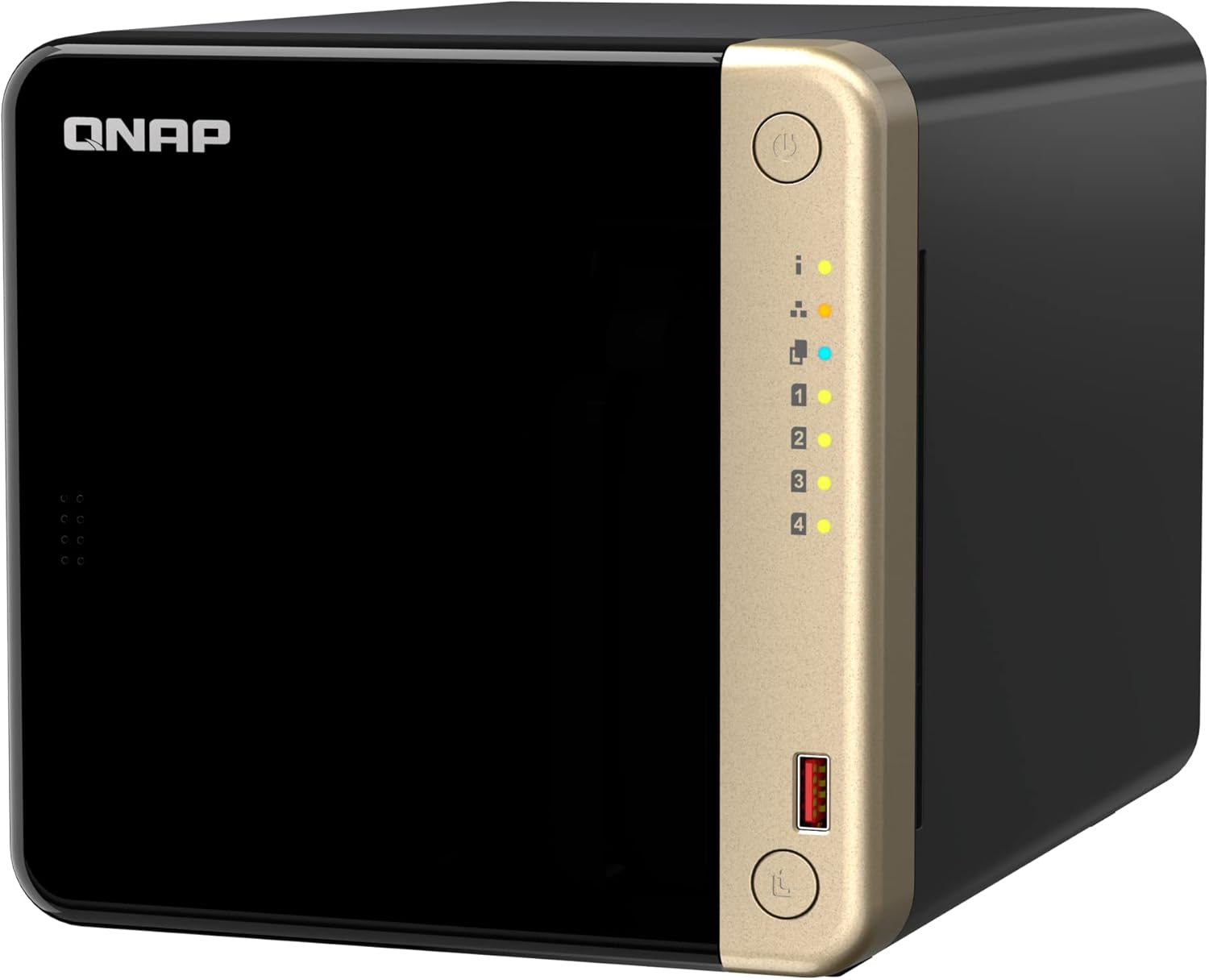
QNAP TS-464
Pros
- 8GB RAM out of the box — 4x the Synology
- Intel Celeron N5095 is slightly faster
- 2.5GbE networking built in
- HDMI output for direct media playback
- More hardware features per dollar than Synology
Cons
- QTS software is functional but less polished than DSM
- Security history — QNAP has had more vulnerabilities
- App ecosystem is smaller than Synology's
- Setup is less intuitive for beginners
- Software bloat compared to Synology
QNAP's TS-464 is the spec sheet king. For the same price as the Synology DS423+, you get 8GB of RAM (vs 2GB), a slightly faster CPU, 2.5GbE networking, and an HDMI port for direct media playback without a streaming device. On paper, it's the better deal.
In practice, the difference comes down to software. QTS is capable and feature-rich, but it lacks the polish and simplicity of Synology's DSM. The app ecosystem is smaller, the mobile apps are less refined, and QNAP has a worse security track record — they've had several high-profile ransomware incidents that targeted their NAS devices.
If you're technically comfortable, run your NAS behind a VPN (as you should), and want the most hardware for your money, the TS-464 is excellent. If you want something you can set up and forget about, Synology is safer.
The 2.5GbE networking is a genuine advantage if your network supports it — you'll get 2.5x the file transfer speeds compared to standard gigabit. Worth it if you transfer large files frequently.
Who it's for: Tech-savvy users who want more hardware specs for their money and are comfortable managing their own security.
Best Budget: Asustor AS5402T
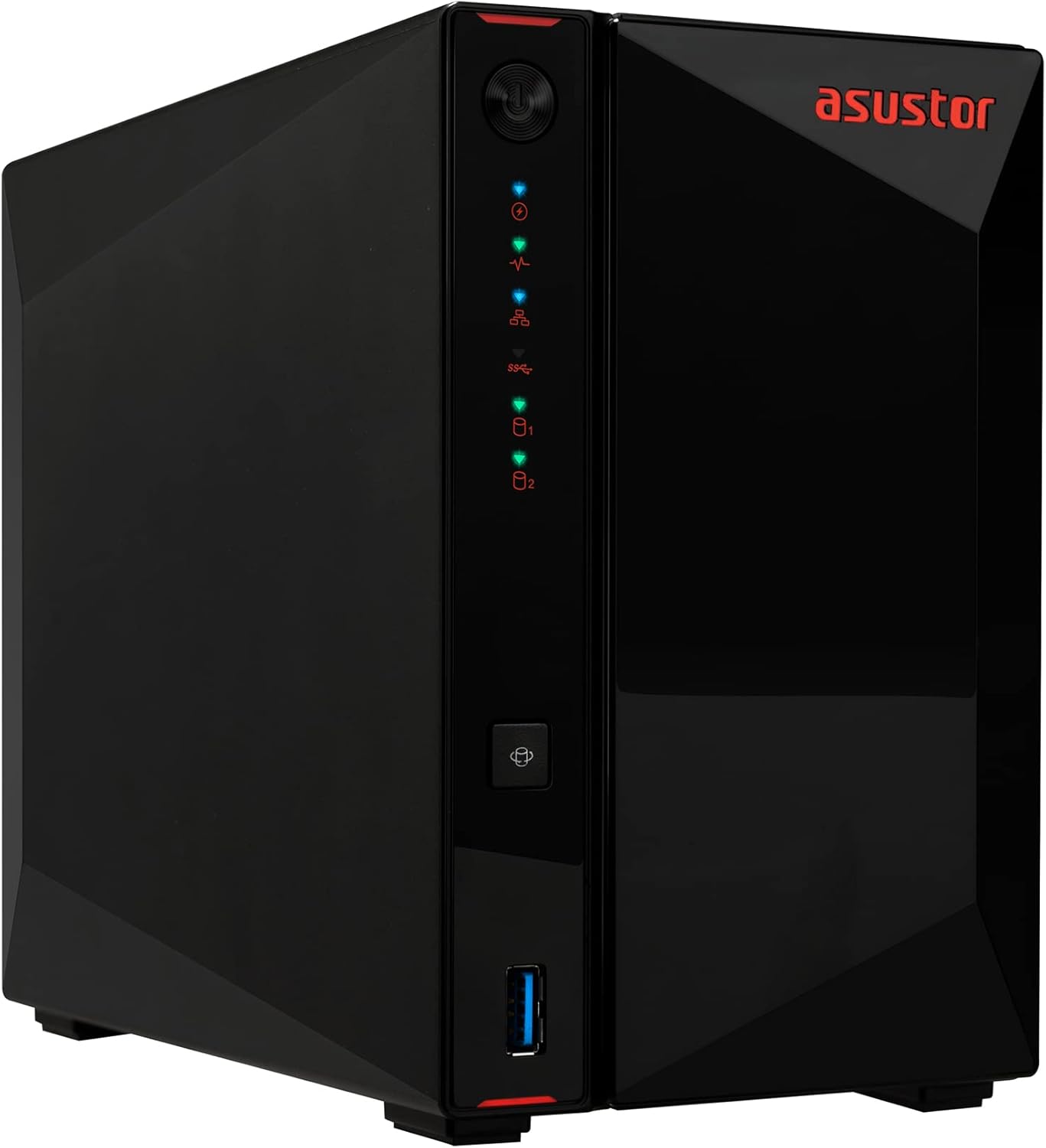
Asustor AS5402T
Pros
- $289 is the cheapest Intel NAS worth buying
- 4GB RAM — double the Synology DS224+
- 2.5GbE networking built in
- ADM software is clean and capable
- Good Plex performance
Cons
- Smallest app ecosystem of the three brands
- Community and documentation thinner than Synology
- Build quality feels slightly cheaper
- ADM has fewer first-party apps
Asustor is the underdog that keeps getting better. The AS5402T gives you an Intel N5105, 4GB RAM, and 2.5GbE networking for $289 — $10 less than the Synology DS224+ which has half the RAM and no 2.5GbE.
Asustor's ADM (Asustor Data Master) operating system is clean and functional. It handles file sharing, Plex, Docker, and backups without issue. The app ecosystem is smaller than Synology's, and you won't find equivalents to Synology Photos or Active Backup — you'll need to use third-party alternatives.
For a straightforward Plex server and file storage NAS on a budget, the AS5402T punches well above its price.
Who it's for: Budget-conscious buyers who want more hardware specs than Synology offers at the same price and don't need Synology's first-party apps.
Best for Tinkerers: DIY TrueNAS Build
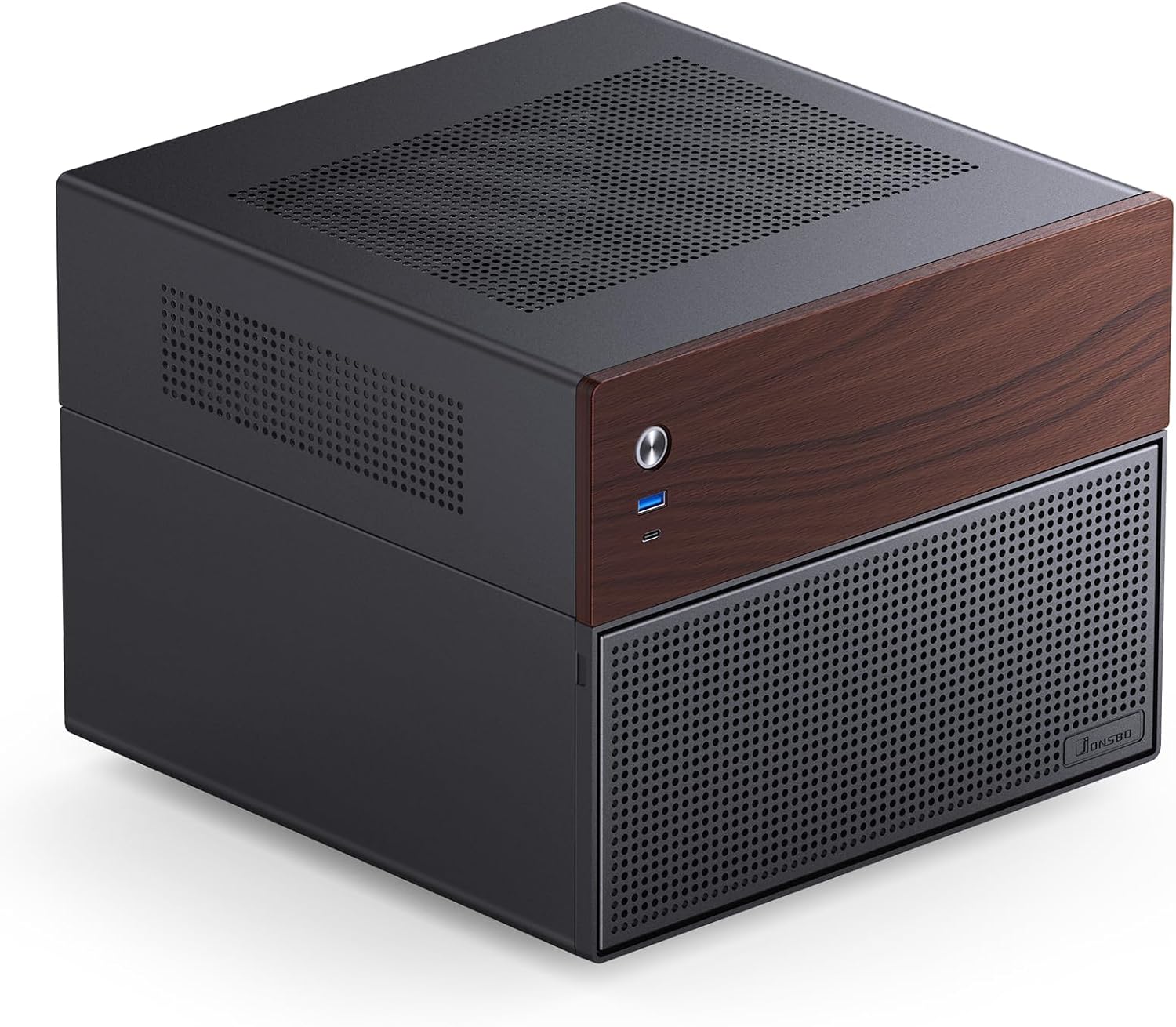
DIY TrueNAS Build
Pros
- Complete control over hardware and software
- ZFS file system — the gold standard for data integrity
- No vendor lock-in
- Scale to any size — 4 bays, 8 bays, 24 bays
- Free and open source
- ECC RAM support for data safety
Cons
- Requires building your own hardware
- TrueNAS has a learning curve
- No phone app — web interface only
- Power consumption is typically higher
- You're your own tech support
- Higher upfront time investment
If you want maximum control, a DIY TrueNAS build is the power move. TrueNAS (formerly FreeNAS) runs on ZFS — the most robust file system available for consumer/prosumer use. ZFS checksums every block of data and can automatically repair corruption, which no consumer NAS OS does as comprehensively.
A typical home build:
- Case: Jonsbo N4 or Fractal Node 304 (~$80-100)
- Board + CPU: Intel N100 mini-ITX board (~$100-120)
- RAM: 16GB DDR4 ECC (~$40-60)
- Boot drive: 128GB NVMe (~$15)
- Total (diskless): ~$400-500
The trade-off is time and knowledge. You'll spend a weekend setting it up, learning ZFS concepts (pools, vdevs, datasets), and configuring shares. There's no polished mobile app — you manage everything through a web interface. But once it's running, TrueNAS is rock solid and infinitely flexible.
Who it's for: Linux/FreeBSD users, self-hosting enthusiasts, and anyone who wants the best possible data integrity and doesn't mind getting their hands dirty.
What to Know Before Buying
Drives Are Not Included
Every NAS in this roundup is sold "diskless" — you buy the drives separately. Budget $100-300 per drive depending on capacity. Popular choices:
- WD Red Plus — Reliable, CMR recording, 3-year warranty
- Seagate IronWolf — Slightly cheaper, good performance, health monitoring
- Toshiba N300 — Budget-friendly, solid reliability
RAID Is Not a Backup
RAID protects against drive failure. It does NOT protect against accidental deletion, ransomware, fire, or theft. Always maintain an off-site backup — Synology's Hyper Backup to a cloud provider, or a second NAS at a friend's house.
2.5GbE Is Worth It
If you regularly transfer large files, a 2.5GbE network (NAS + switch + computer) makes a noticeable difference. Standard gigabit tops out at ~110 MB/s; 2.5GbE pushes ~280 MB/s. A 2.5GbE switch costs $30-50.
Start Small, Grow Later
A 2-bay NAS with a pair of 8TB drives (~$550 total) is a perfectly reasonable starting point. You can always upgrade drives later or add an expansion unit.
The Bottom Line
For most homes, the Synology DS224+ is the best NAS you can buy. The software is unmatched, the setup is painless, and it'll run quietly for years. If you need more storage, step up to the DS423+. If you want more bang for your buck on hardware specs, look at the QNAP TS-464 or Asustor AS5402T. And if you're the type who runs their own Linux server, build a TrueNAS box and never look back.
As an Amazon Associate, we earn from qualifying purchases. This doesn't affect our recommendations or editorial independence.