Best USB-C Hubs and Docks 2026
The best USB-C hubs and docking stations for laptops in 2026. From compact travel hubs to full Thunderbolt 5 docks for your home office.
Modern laptops give you two or three USB-C ports and call it a day. If you need to connect a monitor, external drive, mouse, keyboard, and ethernet — which is most desk setups — you need a hub or dock. The difference between a good one and a bad one is whether you end up with random disconnects, flickering displays, and slow file transfers.
I tested eight hubs and docks over the past month. Here's what worked and what didn't.
Quick comparison
| Hub/Dock | Ports | Max Display | Power Delivery | Price |
|---|---|---|---|---|
| CalDigit TS4 | 18 ports | Dual 6K or single 8K | 98W | $400 |
| Anker 577 Thunderbolt 4 | 13 ports | Dual 4K@60Hz | 90W | $250 |
| Satechi USB4 Multiport | 6 ports | Single 8K or dual 4K | 100W | $100 |
| Anker 341 USB-C Hub | 7 ports | Single 4K@30Hz | None | $25 |
| OWC Thunderbolt 5 Dock | 16 ports | Triple 4K@144Hz | 140W | $350 |
CalDigit TS4
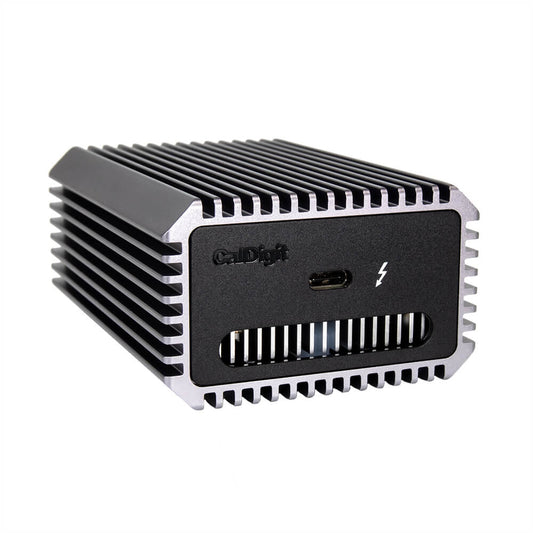
CalDigit TS4 Thunderbolt 4 Dock
Pros
- 18 ports covers literally everything
- 98W laptop charging
- Dual 6K display support
- Rock-solid stability — no random disconnects
- Front-facing SD and microSD slots
Cons
- $400 is a serious investment
- Large footprint on a desk
- Requires Thunderbolt 4 host for full features
- Fan can be faintly audible under load
The CalDigit TS4 has been my desk dock for over a year and it hasn't crashed, dropped a connection, or given me any trouble. That might sound like a low bar, but if you've used cheaper docks, you know it isn't. Eighteen ports means I've never had to unplug one thing to plug in another. Three Thunderbolt 4 downstream ports, five USB-A, USB-C, ethernet, audio, SD, microSD — it's all there.
98W charging keeps my MacBook Pro topped up while running dual external displays. Setup is one cable: plug Thunderbolt into your laptop, everything connects. Pull the cable at the end of the day, take your laptop to the couch. It's the dream setup and it works exactly like that.
The price is hard to justify if you only need a couple extra ports. But if your desk has monitors, drives, peripherals, and you're tired of dongles, the TS4 pays for itself in convenience.
Anker 577 Thunderbolt 4 Docking Station
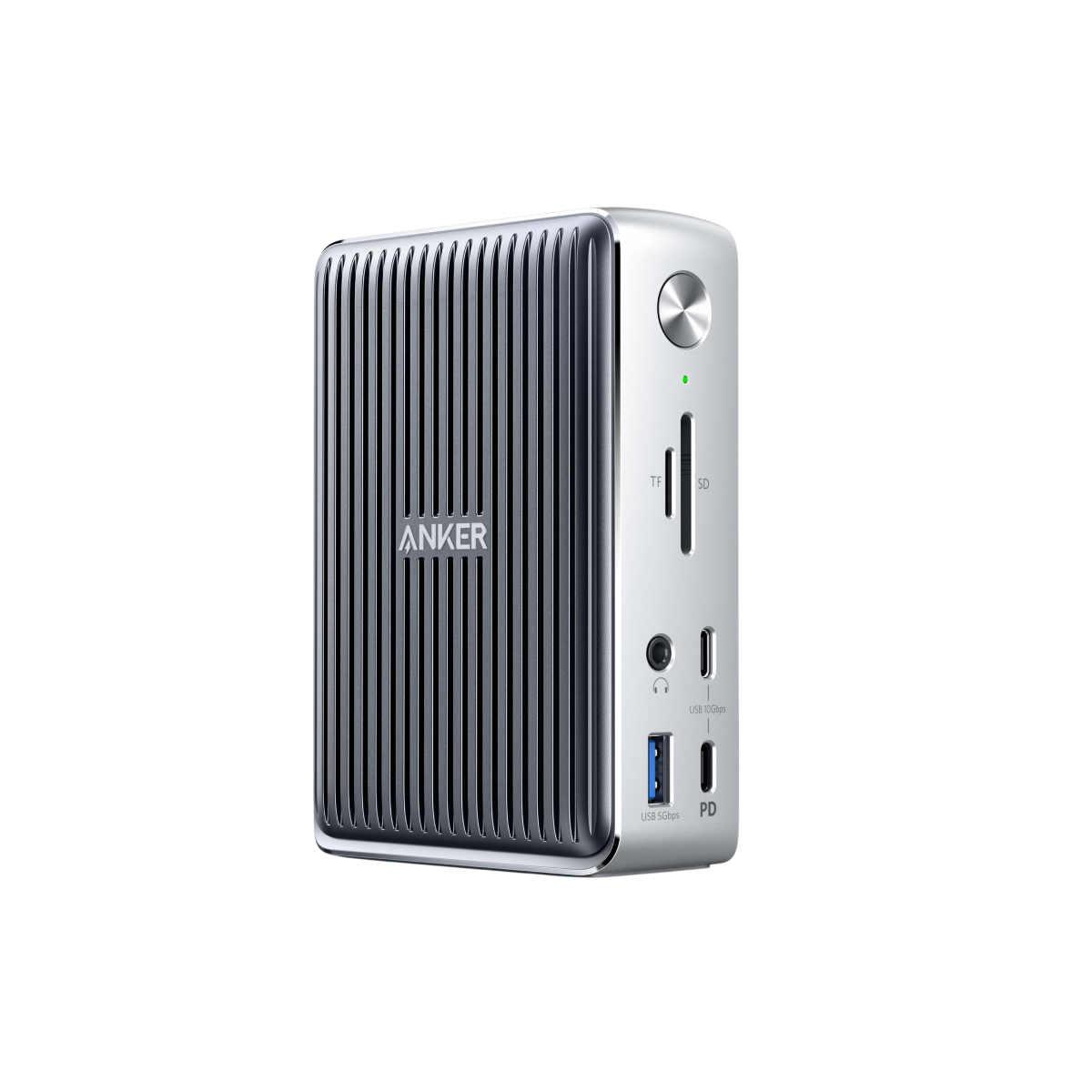
Anker 577 Thunderbolt 4 Docking Station
Pros
- $150 cheaper than CalDigit for similar functionality
- 13 ports is plenty for most setups
- 90W charging
- Compact vertical design
- Dual 4K@60Hz display output
Cons
- Occasional USB device disconnects on wake from sleep
- Build quality feels lighter than CalDigit
- No SD card reader
- 90W may not fast-charge larger laptops
The Anker 577 does 85% of what the CalDigit does for 60% of the price. Dual 4K monitors at 60Hz, 90W charging, three downstream USB-A ports, ethernet, and audio. For most people with a standard home office setup, this is enough.
I did experience occasional USB disconnects when my laptop woke from sleep — unplugging and replugging the Thunderbolt cable fixed it every time, but it's annoying. CalDigit never had this issue. Whether that's worth the $150 premium is up to you.
Satechi USB4 Multiport Adapter
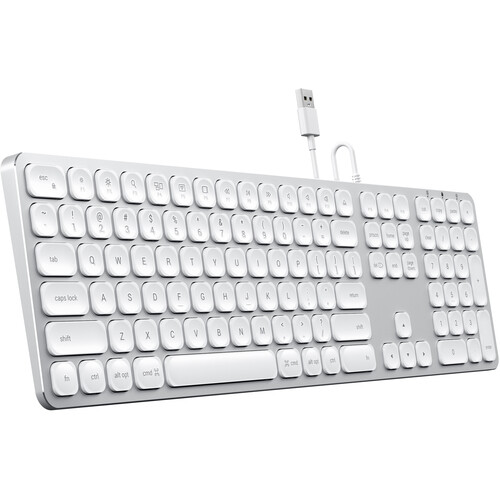
Satechi USB4 Multiport Adapter
Pros
- USB4 support for up to 8K or dual 4K
- 100W passthrough charging
- Compact enough for travel
- Aluminum build matches MacBook aesthetic
- Six useful ports
Cons
- Gets warm during heavy use
- Only one USB-A port
- No ethernet
- USB4 requires compatible host
Satechi's USB4 hub is the sweet spot between a travel dongle and a desk dock. Six ports — USB4 video, USB-C data, USB-A, SD, microSD, and 100W passthrough charging — in a palm-sized aluminum body. It handles a single 8K display or dual 4K without issue, which is impressive for something this small.
I use this when I work from coffee shops with my portable monitor. It's small enough to fit in a laptop sleeve pocket and handles everything I need on the go. Not a desk replacement, but a great travel companion.
Anker 341 USB-C Hub
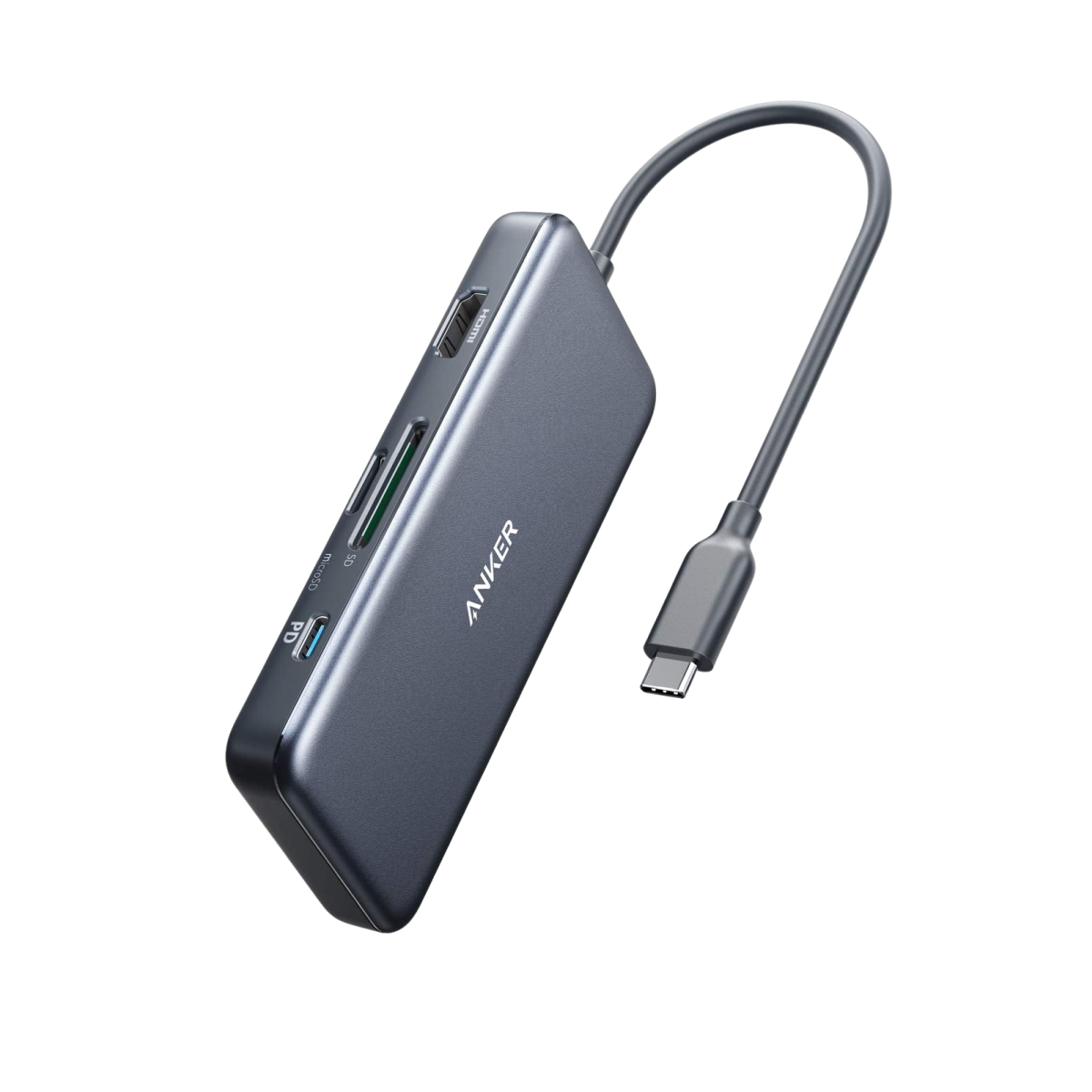
Anker 341 USB-C Hub (7-in-1)
Pros
- $25 — cheapest functional hub you'll find
- HDMI, two USB-A, USB-C, SD, microSD
- Tiny and lightweight
- Works with any USB-C laptop
- No drivers needed
Cons
- 4K output limited to 30Hz
- No power delivery passthrough
- Gets hot during extended use
- HDMI can be finicky with some monitors
Twenty-five dollars. That's it. You get HDMI out (4K@30Hz), two USB-A 3.0 ports, USB-C data, SD, and microSD. No charging passthrough, no Thunderbolt speeds, no dual monitor support. But for plugging in a flash drive, connecting to a projector, or downloading photos from an SD card, it works.
I keep one in my bag as a backup. It's been reliable for what it is, though 4K@30Hz on the HDMI output is noticeably laggy for anything beyond static content.
OWC Thunderbolt 5 Dock
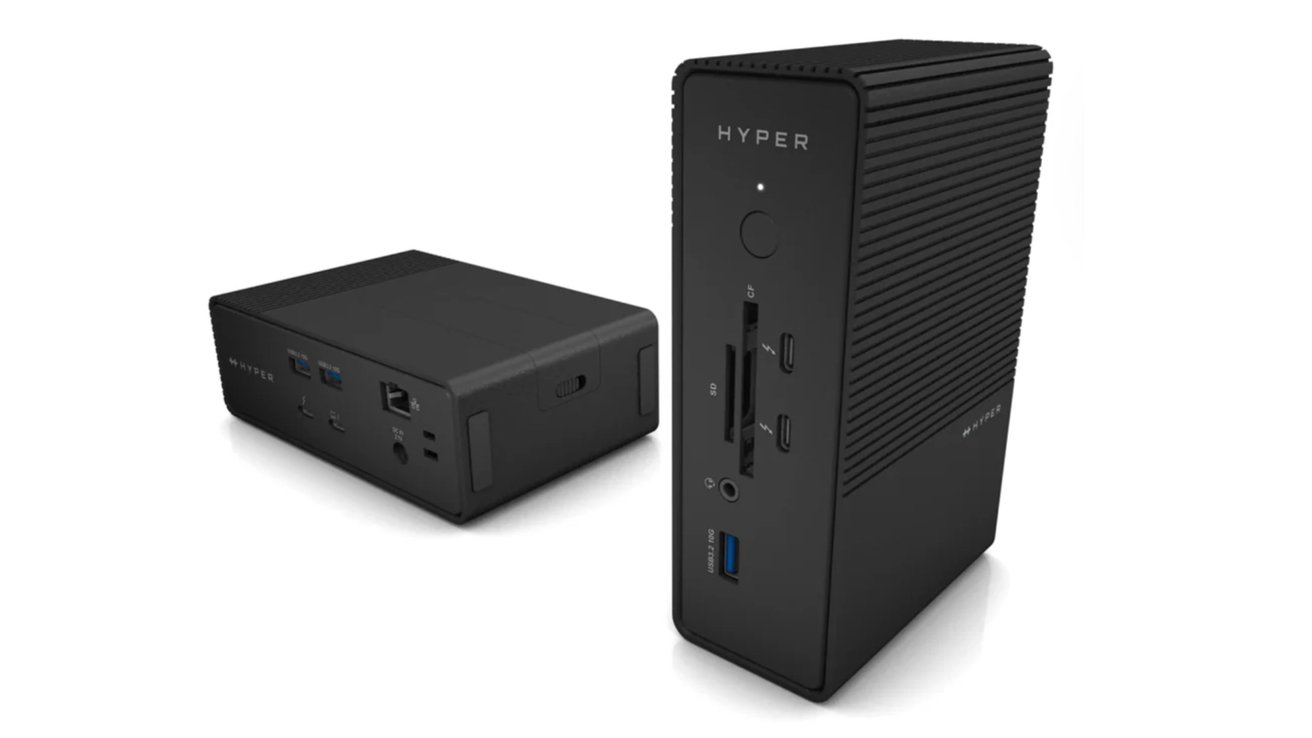
OWC Thunderbolt 5 Dock
Pros
- Thunderbolt 5 — 80Gbps bandwidth
- Triple 4K@144Hz or single 8K@60Hz display
- 140W laptop charging
- 16 ports including 10GbE ethernet
- Future-proof connectivity
Cons
- Requires Thunderbolt 5 host (few laptops support it yet)
- $350 for features most people can't use yet
- Large and heavy
- Software setup can be confusing
The OWC Thunderbolt 5 Dock is the future. 80Gbps bandwidth means triple 4K displays at 144Hz, 140W charging, and 10 Gigabit ethernet — all through one cable. If you have a Thunderbolt 5-equipped laptop (currently limited to a few 2026 models), this is the dock to get.
For everyone else, it's a premature purchase. The bandwidth advantages only materialize with a TB5 host. Connected to a TB4 laptop, it works fine but performs identically to cheaper TB4 docks. Worth watching, not worth buying yet for most people.
Hub vs dock: which do you need?
Get a hub ($25-100) if: You need a few extra ports for occasional use, you travel, or your setup is simple (one monitor, a few peripherals).
Get a dock ($250-400) if: You have a permanent desk setup with multiple monitors, want one-cable connectivity, and need laptop charging through the dock.
My pick
The CalDigit TS4 at $400 if you want the best and won't look back. The Anker 577 at $250 if you want great value. The Anker 341 at $25 if you just need basic port expansion.
As an Amazon Associate, we earn from qualifying purchases. This doesn't affect our recommendations or editorial independence.